A SAML Service Provider is a cloud app that outsources user logins to a central server using secure digital tokens. Instead of checking passwords itself, it relies on trusted protocols to let workers sign in safely. This system blocks unauthorized users, prevents data leaks, and stops password chaos across enterprise networks. Read on to see how service providers handle authentication, architecture, and security best practices.
Dealing with broken single sign-on setups is a massive headache. When a cloud app and your identity server stop talking, users get locked out, and IT wastes hours hunting for a single expired key or a stray slash in the code.
Instead of forcing people to juggle endless passwords, modern environments rely on automated tokens handled by a SAML Service Provider.
But making that connection work smoothly behind the scenes takes the right setup on the application side. Let’s break down how these requests are managed to keep your logins running without a hitch.
What is a SAML service provider in modern access management?
Workers log into multiple cloud applications every day, making password management a major security challenge. Modern access management solves this by separating where passwords are saved from the apps people use for work.
A SAML Service Provider is the external software or tool you want to open. It never asks for or stores your password. Instead, it outsources the entire login check to a central server and waits for a verified digital proof.
Because keeping login data out of individual apps protects corporate networks, the National Institute of Standards and Technology (NIST) shows that separating credential management from application logic is a key way to stop cyber threats.
By relying on trusted protocols like SAML, organizations build secure perimeters that stop unauthorized users at the door.
How a SAML service provider handles authentication and single sign-on
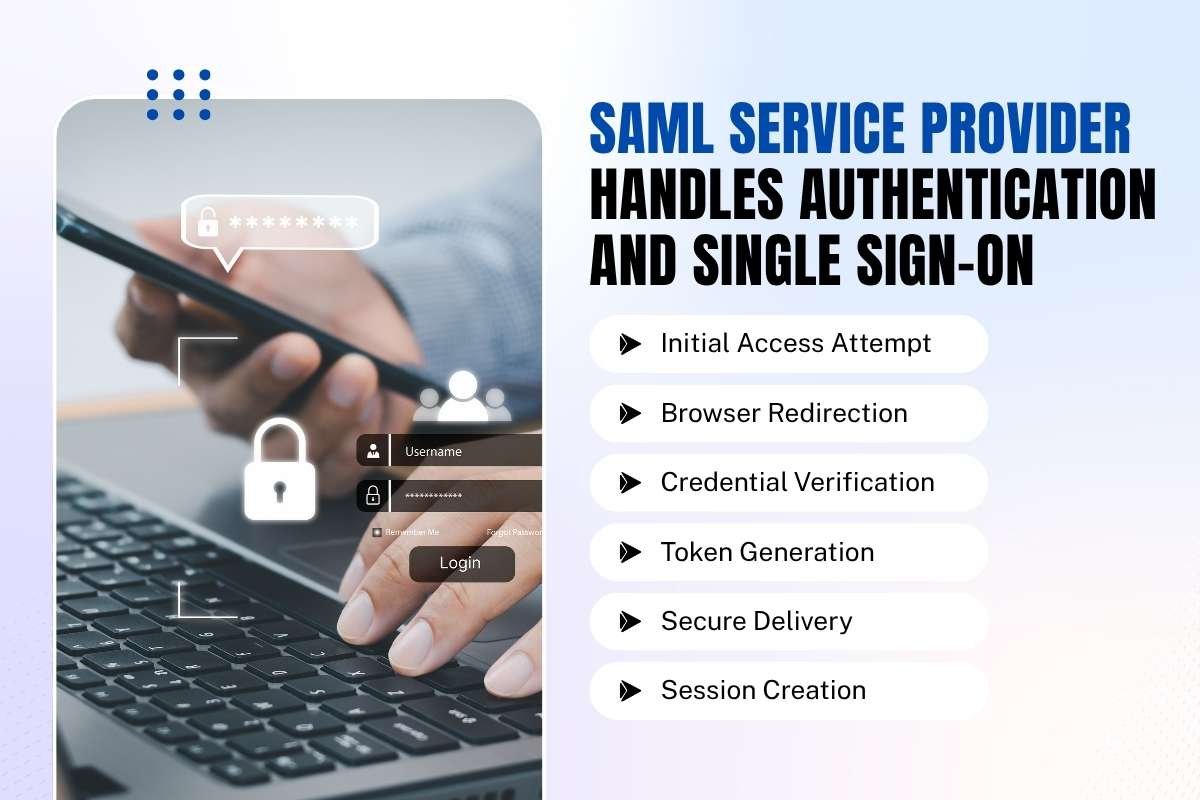
When an employee opens a cloud app, the application needs to confirm their identity without asking for a password. This secure handshake forms the backbone of enterprise SAML single sign-on systems.
A SAML Service Provider manages this entire process by coordinating directly with your central identity server. The step-by-step workflow follows a precise sequence:
1. Initial access attempt:
The user opens the cloud app in their web browser. The application checks its local configuration files to see if federated login is enabled.
2. Browser redirection:
Instead of showing a local login box, the app generates a login request message and redirects the user’s browser to the central identity server.
3. Credential verification:
The user types their corporate credentials into the central identity screen.
4. Token generation:
Once the identity server confirms the login is valid, it builds a signed cryptographic token containing the user’s verified profile details.
5. Secure delivery:
The identity server sends this token back through the browser to the application’s dedicated endpoint URL.
6. Session creation:
The application checks the digital signature on the token. Once verified, it opens a secure work session, letting the user enter instantly without exposing raw passwords to the cloud tool.
Here is a quick snapshot of how the process flows between systems:
| Step | Active System | What Happens |
| Request Initiation | Service Provider | The user opens the app, and the system redirects their browser to the login server. |
| Credential Check | Identity Server | The user enters their login details, and the central server verifies them. |
| Token Issuance | Identity Server | The server builds a signed security token containing user profile information. |
| Session Grant | Service Provider | The app validates the incoming token signature and opens a secure work session. |
What are the architecture and component roles of a SAML service provider?
Setting up a secure cloud application requires two distinct systems to work together without sharing raw passwords. Understanding their separate jobs helps prevent configuration errors that lead to system downtime.
The architecture relies on two main partners:
The service provider (SP):
The external cloud app or software tool the user wants to open. It never checks passwords itself.
The identity provider (IdP):
Acting as the SAML Identity Provider, this central server stores employee user accounts, checks credentials, and issues signed login proofs.
According to the technical standards defined in the OASIS SAML V2.0 specification, both systems rely on XML metadata files to share endpoint URLs and public security certificates.
If your cloud application expects a specific unique identifier, known as an EntityID, any character mismatch will break the connection instantly.
Here is a quick snapshot of how these components divide responsibilities:
| Component Role | System Owner | Core Responsibility |
| Service Provider (SP) | Cloud Application | Receives login proofs, validates cryptographic signatures, and opens user sessions. |
| Identity Provider (IdP) | Central IT Server | Stores user accounts, checks passwords, and issues signed login proofs. |
How do SAML service providers handle token validation and assertions?

Once the central identity server verifies a user, it packages their profile information into a structured XML package known as a SAML assertion. This token holds vital details, including user IDs, group memberships, and login timestamps.
The service provider catches this token at a dedicated address called the Assertion Consumer Service (ACS) endpoint. To keep user sessions safe from tampering, applications must perform strict validation checks.
According to security guidance from the Open Web Application Security Project (OWASP), verifying cryptographic signatures and token lifespans is vital for blocking session hijacking and unauthorized data access.
When an app gets a token, whether from business tools like Microsoft Entra ID or Google Workspace, it runs three quick checks:
When an application receives an incoming token, it runs through a precise verification process:
1. Signature verification:
The app tests the token’s digital signature using a saved security key. For example, when using Microsoft Entra ID, the app checks the token against a shared certificate to prove it is real.
2. Timestamp check:
It inspects the expiration time to ensure the token is fresh and hasn’t been intercepted and replayed later.
3. Audience matching:
The app makes sure the token was made specifically for it. Tools like Google Workspace check the app’s unique ID to make sure the token wasn’t sent to the wrong place by mistake.
If every check passes, the application trusts the payload and provides a secure work session for the user instantly.
What threats target a SAML service provider and how to secure against them?
Even with robust federation setups in place, cloud applications remain prime targets for bad actors. Attackers frequently exploit common flaws like expired signing certificates, weak endpoint permissions, and unvalidated assertion tokens to hijack user sessions or slip past security perimeters.
Failing to maintain proper configurations leaves networks vulnerable to replay attacks and forged credentials. To stop these threats, IT and security teams must enforce strict, proactive defense measures on the application side.
According to guidance published by the Cybersecurity and Infrastructure Security Agency (CISA), maintaining a regular inventory of identity configurations stops threat actors from exploiting outdated keys or misconfigured endpoint permissions.
To lock down your environment effectively, follow these core security practices:
1) Rotate certificates early:
Update your public security certificates well before they expire to prevent unexpected service outages and block attackers from reusing stale keys.
2) Enforce strict HTTPS bindings:
Require secure encryption on all endpoint URLs to stop data snooping and block interception attempts while tokens travel across the browser.
3) Monitor access logs:
Track authentication patterns and review logs regularly to catch unusual behavior, geographic anomalies, or unauthorized login attempts instantly.
4) Validate every token:
Ensure your application checks digital signatures and token lifespans strictly against trusted identity metadata to reject tampered payloads.
Troubleshooting common SAML service provider configuration errors
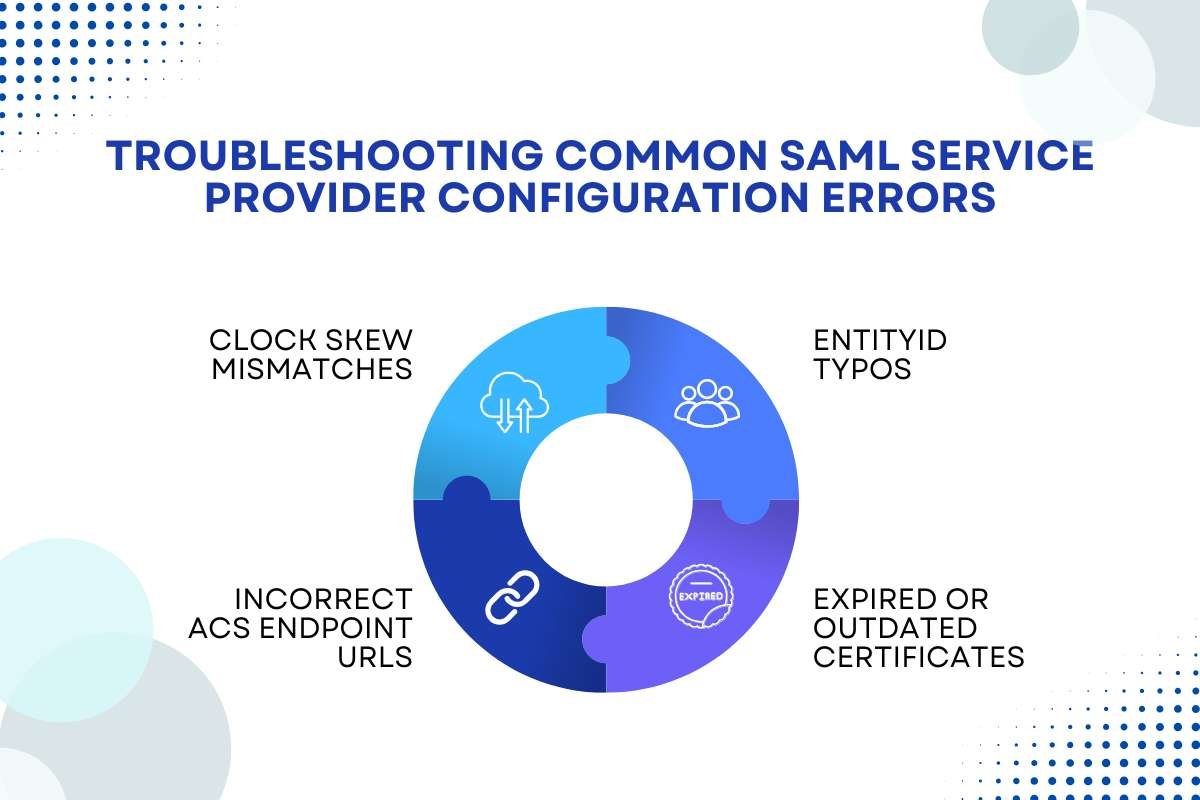
Setting up federated login takes precise work. Even a single misplaced character can block employee access instantly. When logins fail unexpectedly, checking these common configuration roadblocks helps IT teams fix the connection fast:
1. Clock skew mismatches:
If the cloud app and your central identity server have slightly different system times, the token’s timestamp check will fail. Allowing a small grace period for time differences fixes this.
2. EntityID typos:
The unique identifier for both systems must match character for character. A missing slash or minor typo causes the app to reject the identity server completely.
3. Expired or outdated certificates:
If your security certificate updates on the login server but the application still holds the old public key, signature checks will fail immediately.
4. Incorrect ACS endpoint URLs:
The Assertion Consumer Service URL must point to the exact path where the app expects to catch the token. Typos here mean the token has nowhere to land.
Conclusion
Implementing a secure single sign-on environment comes down to understanding how your applications and identity servers work together within your broader SAML architecture.
When configured correctly, a SAML Service Provider takes the heavy lifting out of daily logins, keeping corporate networks safe without frustrating users. By keeping metadata aligned, monitoring security certificates, and validating incoming assertions tightly, your team can prevent costly downtime and block unauthorized access for good.
Frequently Asked Questions
1. How does a service provider know who is logging in?
The application reads the cryptographic digital signature and unique entity ID contained within the incoming login token sent by the central identity server.
2. What is the difference between an identity provider and a service provider?
The identity provider stores user accounts and checks passwords, while the service provider is the actual cloud application or tool that the user wants to open.
3. Why do service providers reject login tokens?
Common causes include expired signing keys, mismatched entity identifiers, or misconfigured Assertion Consumer Service (ACS) endpoint URLs that block proper token delivery.
4. Do all cloud apps require service provider configuration?
Most modern enterprise software supports federated access protocols natively, though older legacy tools may require custom XML configuration files or plug-in wrappers.