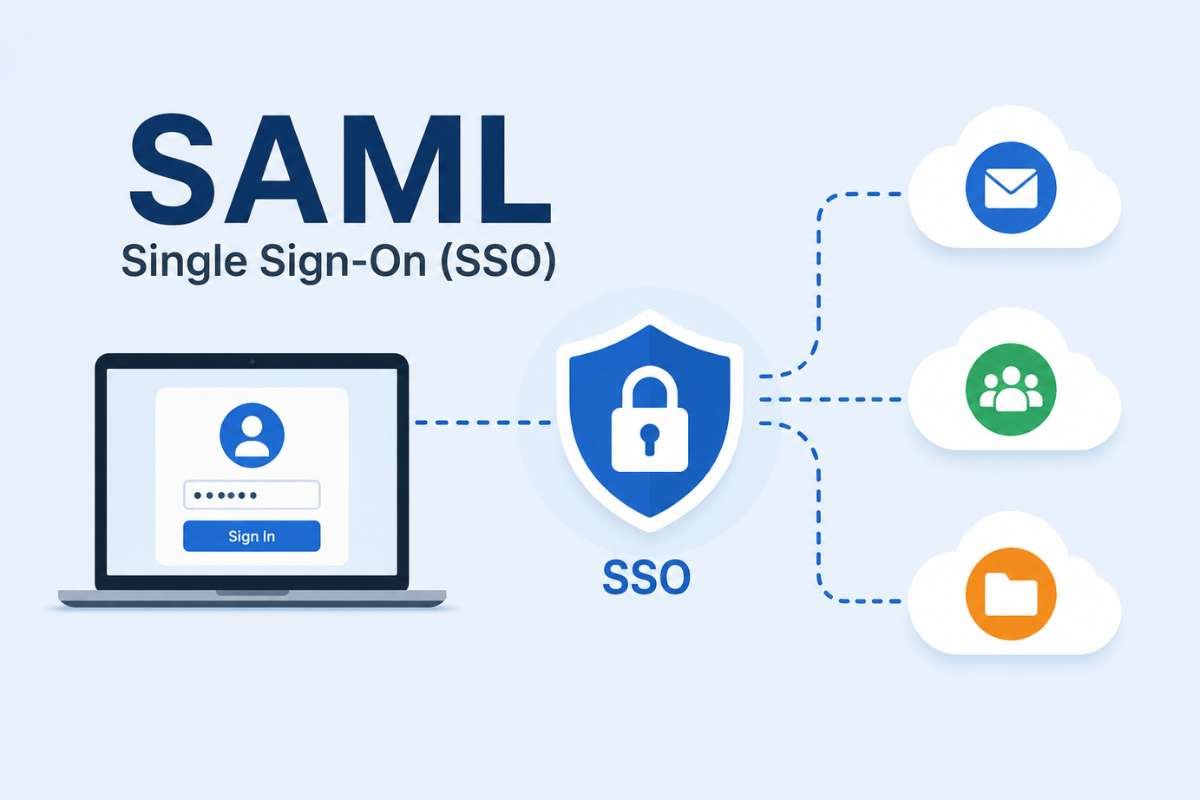
SAML Single Sign-On (SSO) is a secure technology standard that lets users log in just once to access multiple cloud applications safely. It uses a trusted central identity provider to verify user identity, stop password fatigue, and lower security risks while keeping daily work fast and protected. Read on to see how this smart system secures enterprise networks behind the scenes.
Remember dealing with too many passwords at work? It wastes time and creates big security risks for companies.
When staff use the same login everywhere, one stolen password can put your whole business in danger. SAML Single Sign-On (SSO) fixes this problem. It lets users log in just once to safely reach many different apps. Let’s look at how this system works behind the scenes to protect your network.
What is SAML Single Sign-On (SSO)?
SAML Single Sign-On (Security Assertion Markup Language) is an XML-based open standard. It safely shares user authentication and authorization data between security domains.
Think of it as a trusted digital bridge. It connects your central credential vault to external cloud applications.
Instead of logging into every service one by one, SAML SSO verifies your identity just once. This trust framework powers enterprise identity federation.
Why do companies move away from old systems? Let’s compare legacy setups with federated access:
| Feature / Dimension | Traditional Logins | SAML Single Sign-On (SSO) |
| Credential Storage | Stored separately in many apps | Centralized Identity Provider (IdP) |
| User Experience | Multiple usernames and passwords | One secure login session |
| Offboarding Risk | High risk of forgotten open accounts | Instant access cutoff from one central place |
| Attack Surface | High risk from using the same password | Lower risk via secure token exchange |
How Does the SAML SSO Workflow Operate Behind the Scenes?
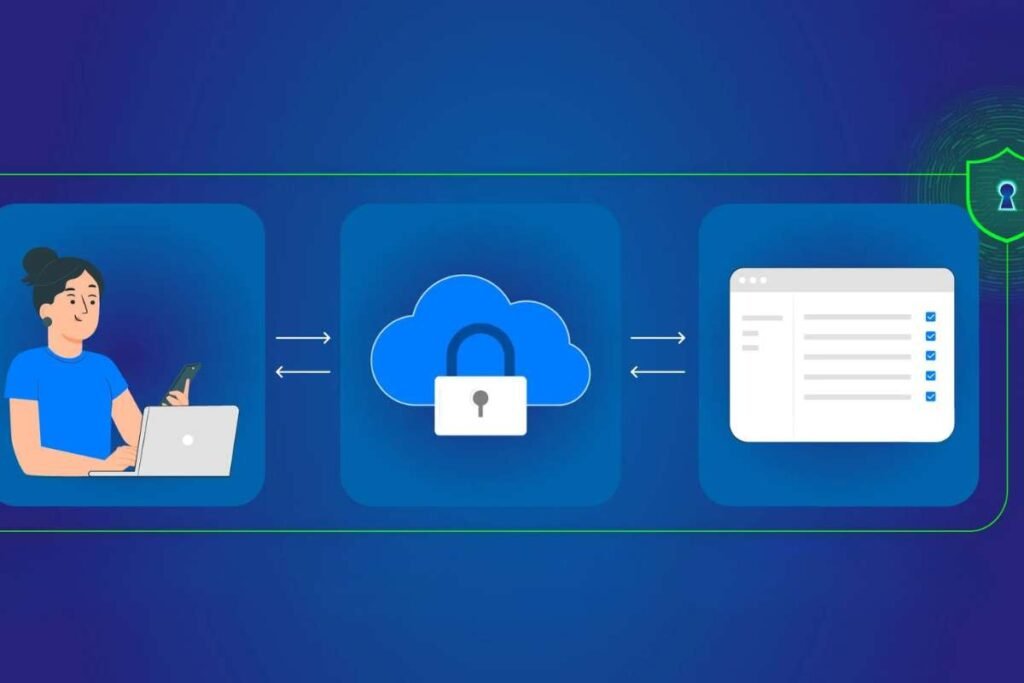
When a user tries to open a cloud app, a quick and secure handoff happens in the background. Every SAML SSO transaction relies on three core entities working together seamlessly:
1. The User Agent (Browser):
This is typically a standard web browser that acts as a secure transport vehicle. It carries signed identity messages back and forth between systems without storing or opening the data.
2. The Service Provider (SP):
This is the external app or cloud service the user wants to open. The SP does not manage passwords, relying entirely on the IdP to verify user identity before letting them in.
3. The Identity Provider (IdP):
This is the central security authority that stores user accounts. It runs the login check and enforces multi-factor requirements before creating a token.
Once these parts are in place, the login workflow follows a precise sequence:
- Initiation: The user attempts to open an external app hosted by the Service Provider.
- Redirection: The Service Provider builds an authentication request and redirects the browser back to the Identity Provider.
- Verification: The Identity Provider challenges the user to prove their identity, often adding multi-factor checks.
- Token Issuance: After confirming the user, the IdP packages the identity details into a signed digital token and sends it through the browser.
- Access Granted: The Service Provider checks the incoming digital token and opens a secure session for the user.
This token-based delivery uses special data packages, which are covered in the SAML Assertion. If you want to see how the initial login request works step by step, check out the SAML Authentication.
Why is SAML SSO Essential for Enterprise Security?
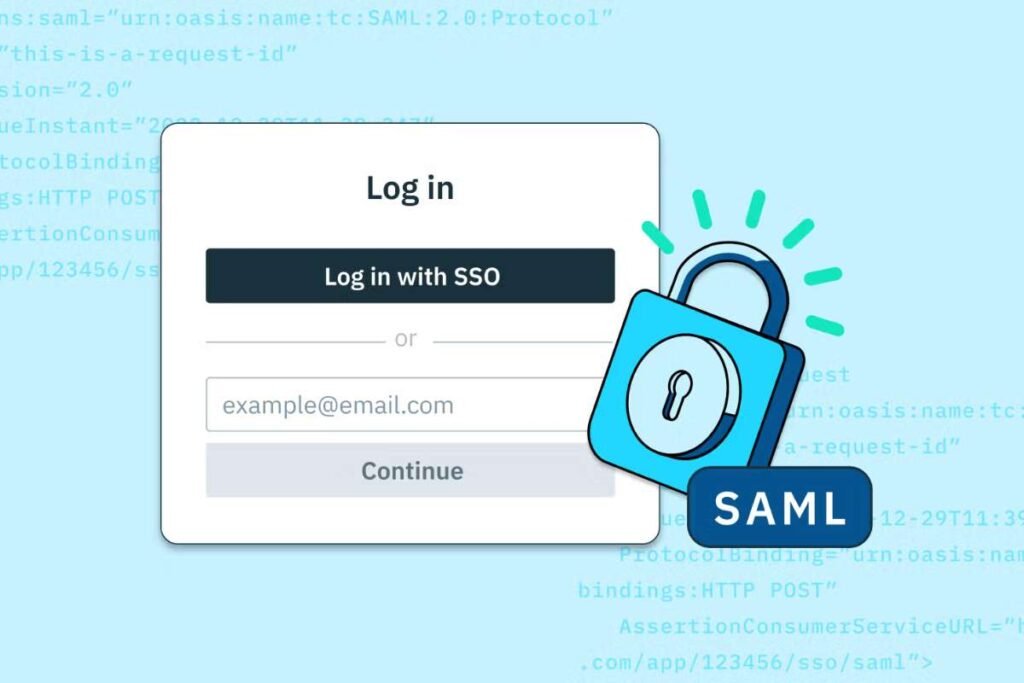
Security teams work hard to shrink their attack surface while keeping work moving fast. SAML SSO helps by changing how passwords travel across networks. According to the National Institute of Standards and Technology (NIST), using strong federation tools cuts down on weak, static passwords.
Large U.S. organizations and federal agencies see these benefits in action every day.
As outlined in the Enterprise Single Sign-On Playbook, federal agencies use enterprise SSO to enforce strict security and meet federal Zero Trust goals.
Sectors like healthcare and finance use SAML to connect outside vendors to cloud platforms like Microsoft 365 without saving passwords on outside servers. This architecture protects data through key operational advantages:
- Eliminates password fatigue: Workers no longer need to memorize multiple tough passwords for every SaaS tool they use.
- Reduces credential stuffing risks: Since passwords are not typed or saved in outside apps, hackers cannot easily steal login data from weak spots.
- Instant access revocation: When a worker leaves the company, turning off their main account cuts off access to all linked apps right away.
- Streamlined compliance audits: Central logs give security teams a clear view of who accessed each tool and when.
How Does SAML SSO Compare to Other Authentication Paradigms?
To understand where SAML fits, it helps to look at how people log into systems across different eras of technology. Not all login methods work the same way, and knowing the differences helps clear up why businesses choose specific security tools.
Here is a quick snapshot comparing SAML SSO to older or simpler authentication styles:
| Authentication Paradigm | Best Used For | Main Security Risk | How It Works |
| Traditional Local Passwords | Consumer websites and small apps | High risk of password reuse and theft | Each app stores its own separate username and password. |
| Legacy Directory (LDAP / Kerberos) | Older, on-premises office networks | Hard to scale safely to cloud applications | Company servers check your password inside a private local network. |
| SAML Single Sign-On (SSO) | Modern enterprise cloud tools and SaaS platforms | Centralized target (secured by adding multi-factor checks) | An Identity Provider (IdP) verifies you once and sends a secure token to the app. |
Breaking down these paradigms makes the differences clearer:
Traditional Local Passwords:
This is the standard login box you see on most consumer sites. Each application manages its own database of user keys, which leads to weak passwords and high exposure if one site is breached.
Legacy Directory (LDAP / Kerberos):
Built for older office networks, systems like Lightweight Directory Access Protocol (LDAP) or Kerberos let workers log into local computers. However, they struggle to protect data safely across outside cloud tools and remote connections.
SAML Federated SSO:
Built specifically for modern multi-cloud businesses, SAML lets different companies trust each other’s security checks using standardized XML-based assertions. It bridges the gap so workers can safely open cloud apps without sharing raw passwords.
Conclusion
Using SAML Single Sign-On (SSO) helps businesses manage cloud apps safely. By putting user logins through a trusted Identity Provider (IdP), companies stop password fatigue and lower security risks. As part of a wider SAML pillar framework, this setup keeps corporate networks safe while helping teams work fast.
Frequently Asked Questions (FAQs)
1. Can small businesses use SAML SSO, or is it only for big corporations?
Small businesses can use it. Many cloud tools include SAML settings, though it is most common in growing companies that manage many apps.
2. What happens if our Identity Provider goes down?
If the IdP goes offline, users cannot log into connected cloud apps until service returns. This is why companies build backup IdP servers for safety.
3. Do apps need special coding to work with SAML?
No. Most modern cloud apps come with built-in SAML support. You just paste your Identity Provider settings into the app to link them up.
4. How long does a SAML login session stay active?
It depends on company rules. IT teams can set sessions to expire after a few hours or at the end of the workday for safety.