The wrong login system can cause problems long after an app goes live. Customer SSO needs, old identity systems, and extra security work can make a simple setup harder to manage.
That is why the SAML vs OpenID Connect choice matters. Both can let users sign in with one account, but SAML uses XML-based assertions, while OpenID Connect uses OAuth 2.0 with ID tokens and claims.
The right choice depends on your app, your users, and the identity systems you need to support.
What is the Core Difference Between SAML vs OpenID Connect?
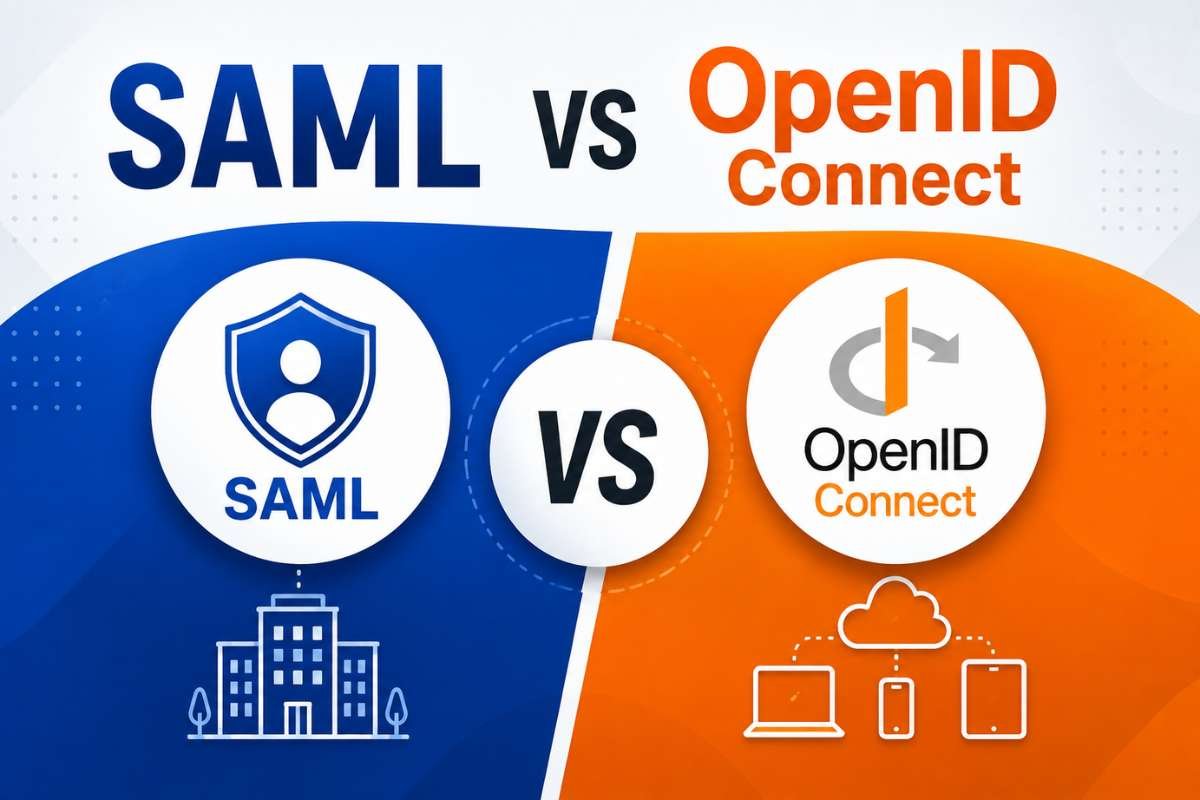
The main difference is how they handle user login. SAML uses XML messages called assertions, while OpenID Connect uses OAuth 2.0 and ID tokens.
With SAML, an identity provider (IdP) tells an app that a user has logged in. The message, called a SAML assertion, can also include details such as the user’s name, email, or role. The app checks that message before letting the user in.
OpenID Connect works a little differently. It uses OAuth 2.0 and gives the app an ID token with information about the user. The app checks the token to confirm the user’s identity.
| Factor | SAML 2.0 | OpenID Connect |
| Main use | User login and SSO | User login and SSO |
| Format | XML | JSON |
| Main item sent to the app | SAML assertion | ID token |
| User details | Attributes | Claims |
| Common setup | SSO for business apps | Web, mobile, SPA, and API-based apps |
| Setup style | Metadata and SSO settings | Client registration and OAuth endpoints |
| Works with APIs | Not designed for this | Works well with OAuth 2.0 APIs |
So, the difference is not just XML vs JSON. SAML fits well with many existing business SSO setups, while OpenID Connect fits well with newer web, mobile, and API-based apps.
How Do SAML vs OpenID Connect Handle Authentication?
The sign-in process may look the same to users: click Sign in, enter your details, and get into the app. Behind that simple screen, SAML and OpenID Connect use different steps.
1. SAML authentication flow:
In a common SAML setup:
- The user opens the app.
- The app sends the user to the identity provider (IdP).
- The IdP checks the user’s identity.
- The IdP sends a SAML response back.
- That response contains a SAML assertion with details about the login.
- The app checks the assertion and signs the user in.
The assertion can include details such as the user’s name, email, and role. The app must check that the message is valid and was meant for that app before accepting it.
For a closer look at how these parts work, see the SAML Service Provider.
2. OpenID Connect authentication flow:
OIDC uses a different process:
- The user opens the app.
- The app sends the user to the OpenID Provider.
- The user signs in.
- The provider sends an authorization code back to the app.
- The app exchanges the code for tokens.
- The app gets an ID token that contains information about the user.
- The app checks the token before signing the user in.
The authorization code is later exchanged for tokens. PKCE (Proof Key for Code Exchange) adds a simple security check to make sure the app that started the login is the one using the code.
Before login, the app creates a secret value. It must provide that secret when exchanging the code for tokens. This helps prevent someone else from using a stolen code, especially in mobile and other public apps. RFC 9700 recommends PKCE for public OAuth clients.
SAML vs OpenID Connect: Which Applications Fit Each Protocol?
Microsoft’s 2026 guidance recommends OIDC for many new SaaS and cloud apps. SAML is still a good fit when a company already uses SAML, has older systems, or requires it for enterprise SSO.
| Application scenario | Better fit | Why |
| Existing enterprise web app with a SAML IdP | SAML | Works with the setup the company already has |
| New multitenant SaaS app | OIDC | Easier to use with modern app setups |
| Single-page app | OIDC | Works well with modern web login flows |
| Native mobile app | OIDC | Works well with OAuth and PKCE |
| Legacy enterprise software | SAML | May already depend on SAML |
| App that connects to APIs | OIDC + OAuth 2.0 | Supports both login and API access |
| App used by customers with different identity systems | Both | Gives customers more login options |
Traditional enterprise applications
SAML is often the better choice when an app needs to connect to companies that already use SAML for single sign-on.
Many large organizations have these systems in place already. They may not want to change them just to use a newer protocol.
SaaS applications
For a new SaaS product, OIDC is often a better starting point. Modern identity services support OIDC and make it easier to connect new apps to them.
Still, a B2B SaaS product may need SAML because some business customers require it for SSO.
Single-page and mobile applications
OIDC is usually a better fit for single-page apps and mobile apps because it works with modern OAuth 2.0 login flows.
For mobile and other public apps, PKCE adds an extra check to make sure the login code is being used by the app that started the login.
SAML can also work in these apps, but its browser-based design is less suited to modern mobile and API-based applications.
How Do SAML vs OpenID Connect Differ in Identity Data?

SAML and OpenID Connect both send information about the user to an app, but they do it in different ways.
SAML uses attributes inside the SAML assertion. These can include a user’s name, email, role, group, or other details the company wants to share. The identity provider (IdP) decides what information to include and sends it to the app as part of the login process.
OIDC uses claims. These are pieces of information in the ID token, such as who issued the token, which user signed in, which app it is for, and when it expires. The app can also request extra user details when needed.
The main difference is how the app receives and uses this information.
| Identity-data need | SAML | OpenID Connect |
| Basic user information | Yes | Yes |
| Name and email | Yes | Yes |
| Roles and groups | Yes | Yes |
| Custom company details | Strong support | Supported |
| Works well with APIs | Less common | Strong fit |
| Uses tokens | SAML assertion | ID token |
Neither is always better. The right choice depends on what user information your app needs and how the app uses it.
Which is More Secure: SAML or OpenID Connect?
There is no simple answer that says one is always more secure than the other.
Both SAML and OIDC have strong security features, but both can become unsafe when they are set up or used incorrectly. The main difference is where the security checks happen.
Key SAML security checks:
A SAML app should not trust an assertion just because it has a valid signature. It also needs to check that the message came from a trusted source and was meant for that app.
Important checks include:
- Check the XML signature.
- Make sure the assertion is meant for the app.
- Check when the assertion becomes valid and when it expires.
- Check the issuer and trusted signing key.
- Use secure connections.
- Make sure the app reads the signed part of the message.
These checks help stop an attacker from using a valid message in the wrong way.
Key OIDC security checks:
OIDC uses a few checks to make sure the login token is safe and belongs to the right app and user.
The app should check:
- Issuer (iss) — Was the token sent by the right identity provider?
- Audience (aud) — Was the token meant for this app?
- Expiration (exp) — Has the token expired?
- Nonce — Does the token belong to the login that the user just started?
The app should also use safe redirect URLs so the login response is sent only to an approved location. For mobile and other public apps, PKCE adds another check to protect the authorization code during login.
The main point is that both SAML and OIDC can be secure when these checks are done correctly.
Can You Use SAML and OpenID Connect Together?

Yes. A company does not have to choose only one. For example, a company could use OIDC for a new web app while still using SAML for customers or older systems that already use it.
A common setup looks like this:
Customer or Enterprise Identity Provider
↓
SAML
↓
Identity Platform
↓
OIDC
↓
Modern Application
In this setup, the identity platform handles the SAML connection, while the application uses OIDC.
This can be useful for SaaS companies that need to work with customers using different login systems.
The idea is closely related to SAML Federation, where different organizations connect their identity systems to support shared login.
Should You Migrate From SAML to OpenID Connect?
Not always. Moving to OIDC can make sense for a new application or when the current SAML setup no longer fits the way the application works. But there is little reason to replace SAML just because OIDC is newer if existing SAML connections work well.
A gradual approach can be easier:
- Keep current SAML connections.
- Use OIDC for new applications.
- Keep SAML support for customers who still need it.
- Review the cost and effort of supporting both.
- Move away from SAML only when there is a clear business reason.
The goal should not be to replace SAML just because it is older. The better choice depends on what your applications and customers need.
Conclusion:
SAML and OpenID Connect can both provide secure user login, but they fit different needs. SAML vs OpenID Connect depends on your application, existing SSO setup, customer requirements, and whether you need support for modern web, mobile, or API-based apps.
OIDC is often a good choice for new applications, while SAML remains useful for enterprise apps and existing SSO connections. In some cases, using both can provide the flexibility needed to support different customers and systems. The right choice also depends on how SAML Architecture fits into your wider identity and SSO setup.
FAQs:
1. Can SAML work without an identity provider?
No. SAML relies on an identity provider to verify users and send login information to the application.
2. Does OpenID Connect replace OAuth 2.0?
No. OIDC adds user login features to OAuth 2.0, which mainly handles access to protected resources.
3. Can a SaaS company support customers using different SSO protocols?
Yes. A SaaS product can support SAML and OIDC together, often through an identity platform.
4. What should you check before choosing SAML or OIDC?
Check your app type, customer SSO needs, existing identity systems, API needs, and long-term support costs.