Your office may be in a coffee shop today and your living room tomorrow. You might check your work email on your phone and open company files on a home laptop. Work is no longer tied to one building.
That shift has changed how companies protect their data. Old security systems trusted anyone already inside the network. Today, that is risky. One stolen password can give an attacker access to important systems.
Zero Trust Security solves this problem by verifying every user and device before granting access. NIST and CISA recommend this approach as a practical way to protect modern businesses.
What is Zero Trust Security and Why You Should Know it Today
It is a cybersecurity model that requires every user and device to prove they are safe before getting access to data or systems.
In simple terms, nothing is trusted automatically. Not the user. Not the device. Not the app. Every request must be checked before access is allowed. This idea is often explained as “never trust, always verify.”
To make a decision, the system looks at several factors. These include the user’s identity, the health of the device, the location of the sign-in, and recent behavior. If anything looks unusual, access can be limited or blocked.
Zero Trust Security is a strategy, not a product you buy.
Zero Trust Architecture, or ZTA, is the technical design used to implement this strategy.
The National Institute of Standards and Technology defines Zero Trust as a way to reduce risk by removing automatic trust from all access requests.
Why today?
The way people work has changed. Employees now sign in from home, airports, and coffee shops. They use cloud software like Microsoft 365 and Google Workspace. Many also use personal phones and laptops for work.
This flexibility helps businesses, but it also creates more ways for attackers to get in.
A stolen username and password can give a hacker access to email, files, and business apps. According to Verizon’s 2025 Data Breach Investigations Report, stolen credentials remain one of the most common ways attackers break into systems.
Ransomware groups, unhappy insiders, and outside vendors can also increase risk.
| Old Reality | New Reality |
| Office network only | Work from anywhere |
| Company devices | Personal devices too |
| Data in one server room | Data in many clouds |
The Zero Trust model for security matters because trust based on location alone is no longer enough. Every user and device must prove they are safe before access is granted. This helps stop attackers even when they have a valid password.
How does Zero Trust Security Work?
It checks every access request in a series of steps. Each step helps determine whether the user and device can be trusted at that moment.
| Step | What Happens? |
| 1. User requests access | An employee tries to open an app, file, or system. |
| 2. Identity is verified | The system confirms the user’s identity, often with a password and multi-factor authentication. |
| 3. Device health is checked | The device is reviewed to make sure it is updated and free from known threats. |
| 4. Risk is scored | The system looks at location, behavior, and other signals to measure risk. |
| 5. Least privilege access is granted | The user receives only the permissions needed to do their job. |
| 6. Activity is monitored | The session is watched for unusual activity after access is granted. |
| 7. Access is removed if risk changes | If malware or suspicious behavior is detected, access can be blocked immediately. |
For example, an employee may sign in from a fully patched laptop and get access. If malware is detected later, the Zero Trust model can cut off access at once.
Core Principles of Zero Trust Security

It follows five core principles that work together to reduce risk and protect sensitive data.
1. Verify explicitly:
Every access request is checked before it is approved. The system reviews identity, device health, location, and recent behavior. Access is granted only when all signals show that the request appears safe.
2. Use least privilege:
Users receive only the permissions they need to perform their jobs. This limits how much data or how many systems one account can reach. If an attacker steals the account, the damage is kept much smaller.
3. Assume breach:
Security teams operate as if an attacker may already be inside the environment. Systems are designed to contain threats and prevent them from spreading. This approach reduces the impact of stolen credentials and hidden malware.
4. Secure all communications:
Data is protected as it moves between users, devices, and applications. Encryption helps prevent others from reading or changing sensitive information. This keeps business and customer data safe while it travels.
5. Monitor continuously:
Activity is reviewed during the entire session, not just at login. The system watches for unusual behavior, malware, and changes in device health. Access can be limited or removed immediately if the risk increases.
Think of it like airport security. You show proof at every checkpoint, not just at the front door.
The Pillars of Zero Trust Security
It protects several parts of a business at the same time. Instead of focusing on one tool or one system, it secures the people, devices, networks, applications, and data that keep the organization running.
Identity is the first pillar. Every user, administrator, and service account must prove who they are before getting access. Devices are the second pillar. Laptops, phones, and servers are checked to make sure they are updated and free from known threats.
Networks control how traffic moves between systems. Applications and workloads enforce access rules within business software and cloud services. Data is classified, encrypted, and shared only with approved users.
Three supporting layers help these pillars work together. Visibility and analytics detect threats, automation and orchestration apply policies quickly, and governance sets the rules.
Many blogs overlook these supporting layers, but CISA identifies them as essential for scaling Zero Trust Security across the organization.
Main Benefits of the Zero Trust Model of Security
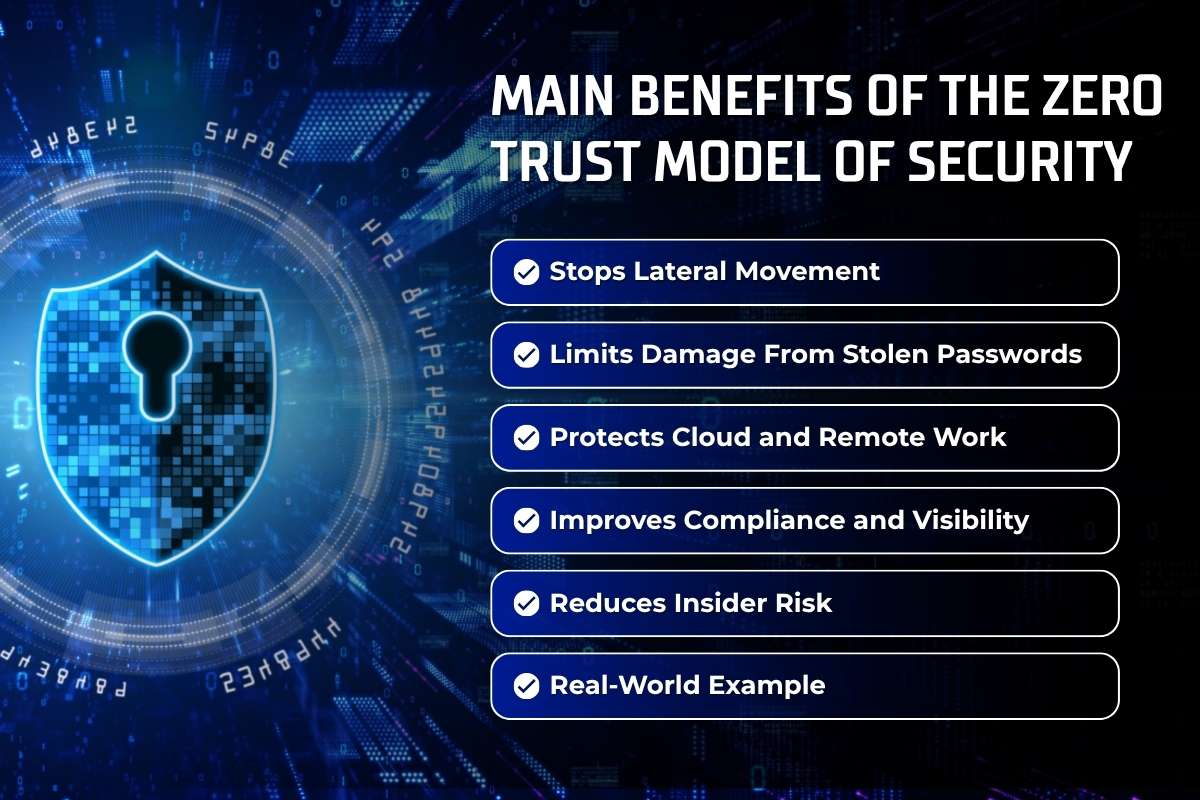
This model does more than block threats. It helps organizations reduce risk, improve visibility, and limit the impact of any security incident.
These benefits make the Zero Trust framework a practical approach for businesses of all sizes.
1) Stops Lateral Movement:
If attackers break into one account, they cannot roam across the network. Each system requires its own approval. This keeps breaches contained.
2) Limits Damage From Stolen Passwords:
A stolen password does not unlock everything. Users get only the access they need. Compromised accounts have a much smaller reach.
3) Protects Cloud and Remote Work
Employees can work from anywhere without compromising security. The same checks apply in the office, at home, or on a mobile device. Location alone does not create trust.
4) Improves Compliance and Visibility
Every access request is logged and tracked. Security teams can see who accessed data and when. This supports audits and regulatory requirements.
5) Reduces Insider Risk
Users cannot access systems outside their role. This limits both accidental mistakes and intentional misuse. Sensitive data stays better protected.
6) Real-World Example
If a sales account is compromised, the attacker may access customer records. Payroll and engineering systems remain off limits. The breach is contained before it spreads.
Together, these benefits help organizations contain attacks and protect critical systems.
Even when one account is compromised, the Zero Trust model keeps the damage small and easier to control.
Zero Trust Security vs Traditional Security
Traditional security was built for a simpler time. Most employees worked in one office, used company computers, and stored data on internal servers. Once a user got inside the network, they were often trusted automatically.
The Zero Trust approach removes that assumption. Every request is checked based on identity, device health, location, and behavior. Trust must be earned each time access is requested.
| Feature | Traditional Security | Zero Trust Security |
| Trust model | Users are trusted after entering the network | No user or device is trusted by default |
| Access checks | Checks happen mainly at login | Checks continue during the entire session |
| Device checks | Devices may not be fully checked | Devices must meet security rules |
| Permissions | Users often get broad access | Users get only the access they need |
| Breach response | Threats are found after damage begins | Access is blocked as soon as risk rises |
A VPN creates a secure connection, but that is only part of the job. It does not confirm that the user and device are safe. The Zero Trust method of security adds these checks and limits what each user can access after they connect.
Tools Used in Zero Trust Security
The Zero Trust model uses several tools that work together to protect users, devices, and data. Each tool handles a different part of the security process.
Common tools used in ZTA include:
- Multi-Factor Authentication (MFA)
- Single Sign-On (SSO)
- Identity and Access Management (IAM)
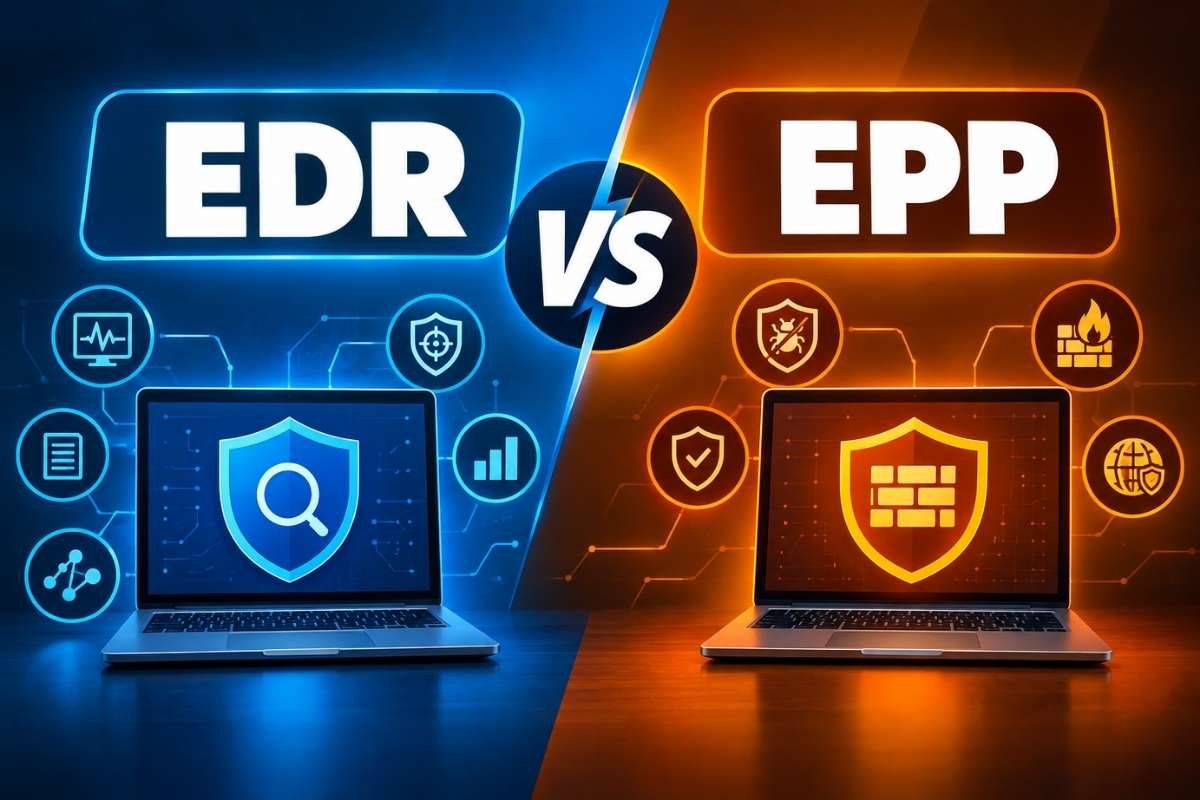
- Endpoint Detection and Response (EDR)
- Zero Trust Network Access (ZTNA)
- Data Loss Prevention (DLP)
These tools work as a team. One tool may check the user’s identity, while another looks for malware or protects sensitive files.
No single product can create a Zero Trust strategy on its own. The system works best when all tools follow the same security rules and share information with each other.
The Pillars of a Successful Zero Trust Security Implementation

Building a Zero Trust model takes time and planning. Most organizations do not change their entire security system at once. They usually start with the systems and data that matter most.
The first step is finding important data such as customer records, financial files, and cloud applications. Security teams then check who has access to these systems and remove permissions that are no longer needed.
Next, organizations improve login security with multi-factor authentication and device checks. Important systems are separated from the rest of the network so attackers cannot move freely after breaking into one account.
Monitoring is also important. Security teams watch for unusual behavior and update access rules when risk changes. Over time, these steps help build a stronger and more flexible security system.
Challenges of Implementing Zero Trust Security
The Zero Trust Model can greatly improve security, but most organizations face a few common obstacles along the way.
- Legacy systems: Older software may not support modern identity checks and access controls. In some cases, these systems cannot be updated easily and may require special workarounds.
- Poor asset visibility: Some organizations do not have a complete list of users, devices, and applications. If you do not know what is connected to your environment, it is difficult to protect it.
- Too many permissions: Employees often keep access to things they no longer need. Reviewing and removing unnecessary permissions can take significant time and effort.
- User resistance: Extra login steps can feel inconvenient at first. Employees may need training to understand why these changes are important.
- Cost and time: New tools, planning, and testing require resources. Large organizations may need months or years to fully implement the strategy.
- Skill gaps: Security teams may need additional training and support. Some organizations may also need outside experts to help with design and deployment.
These challenges are common and manageable with a phased approach.
ZTA is not a one-time project. CISA describes it as a gradual journey that improves over time.
Future Trends in Zero Trust Security

It continues to evolve as businesses use new technology and cyber threats become more sophisticated. New tools are making security decisions faster and more accurate.
1. Passwordless Authentication
More organizations are replacing passwords with biometrics and security keys. This reduces the risk of stolen credentials and phishing attacks.
2. Continuous Risk Scoring
Security systems are getting better at measuring risk in real time. Access can change instantly if behavior or device health becomes suspicious.
3. Protection for Machine Identities
Applications, scripts, and cloud services use their own accounts and secrets. These machine identities are now a major focus because attackers often target them.
4. Stronger Cloud Controls
Organizations are applying the same security rules across multiple cloud platforms. This helps protect data wherever it is stored.
5. More Automation
Security tools can update policies and respond to threats automatically. This speeds up response times and reduces manual work.
As these tools improve, Zero Trust Security will become faster and easier to manage. Businesses that adopt these changes will be better prepared to protect their users, applications, and data from new threats.
Conclusion
The old idea of trusting users simply because they are inside the network no longer works. People now access business systems from many locations and devices. Zero Trust Security solves this by verifying every request before access is granted. It checks identity, device health, and other risk signals each time a user connects.
Least privilege access helps limit damage if an account is compromised. Even if attackers get in, they cannot move freely through the environment. Organizations do not need to implement everything at once. They can start with their most important systems and build over time.
That is why it has become a core strategy for modern cybersecurity.
FAQ
1. What is Zero Trust in simple terms?
Zero Trust is a security approach that checks every user and device before access is granted. Nothing is trusted automatically, even when the request comes from inside the company network.
2. Is Zero Trust a product?
No. It is a security strategy, not a single product. Organizations use a mix of tools, policies, and access rules to put this approach into practice.
3. What is the difference between Zero Trust and ZTNA?
Zero Trust is the overall security model. Zero Trust Network Access, or ZTNA, is one tool that gives users access only to approved applications.
4. Can small businesses use this approach?
Yes. Small businesses can start with multi-factor authentication, tighter permissions, and device checks. These steps are affordable and can greatly reduce risk.
5. Does it replace firewalls?
No. Firewalls still help filter network traffic. This approach adds identity checks, device verification, and stricter access controls to provide stronger protection.