An attacker does not always need obvious malware to get onto a company device. A stolen password or a legitimate remote-access tool can be enough to start an attack while the device still appears to be working normally.
From there, an endpoint can be used to steal credentials, run scripts, move across the network, or set the stage for ransomware. For security teams, the challenge is not just spotting a bad file. It is understanding what happened on the device, what caused it, and whether the same activity is happening elsewhere.
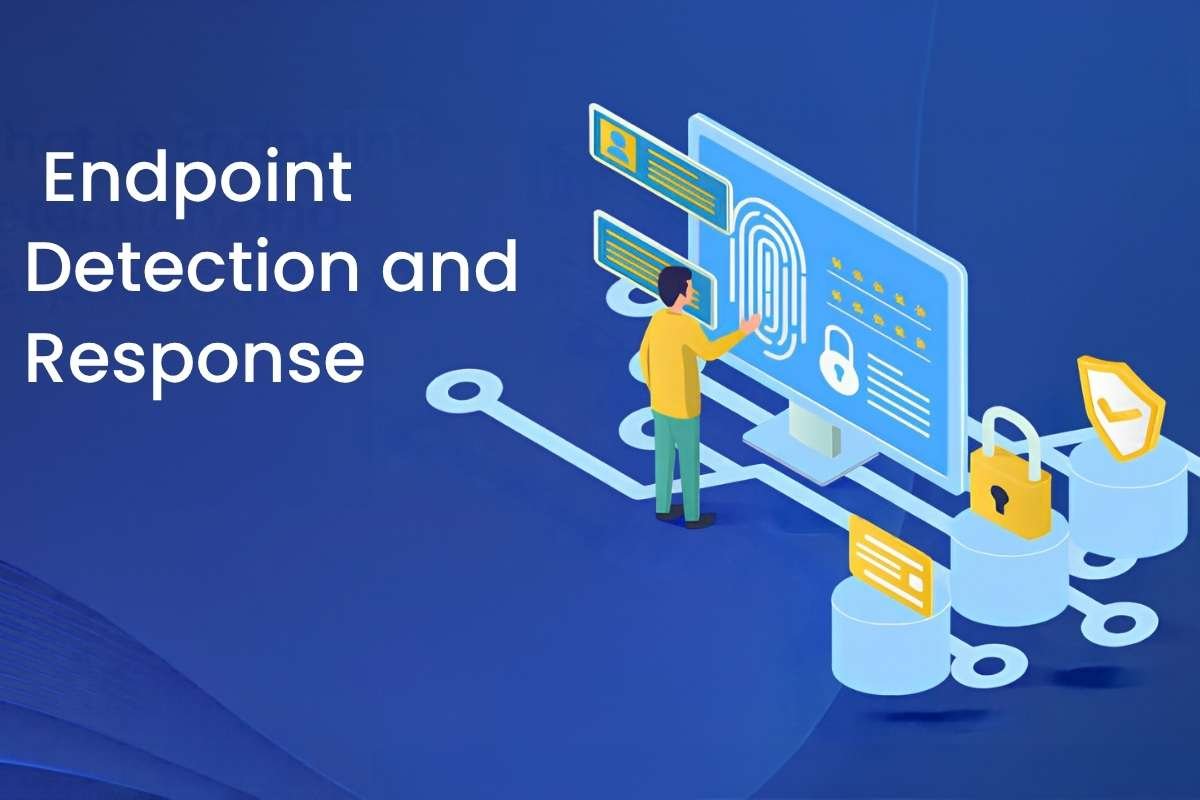
Endpoint Detection and Response (EDR) helps teams do that by continuously monitoring security-related activity on endpoints, analyzing suspicious behavior, and providing the information and controls needed to investigate and respond.
But it is not simply “better antivirus.” Its value comes from the visibility and response capabilities surrounding endpoint activity. So, what exactly is EDR, and what can security teams actually use it for?
What is Endpoint Detection and Response?
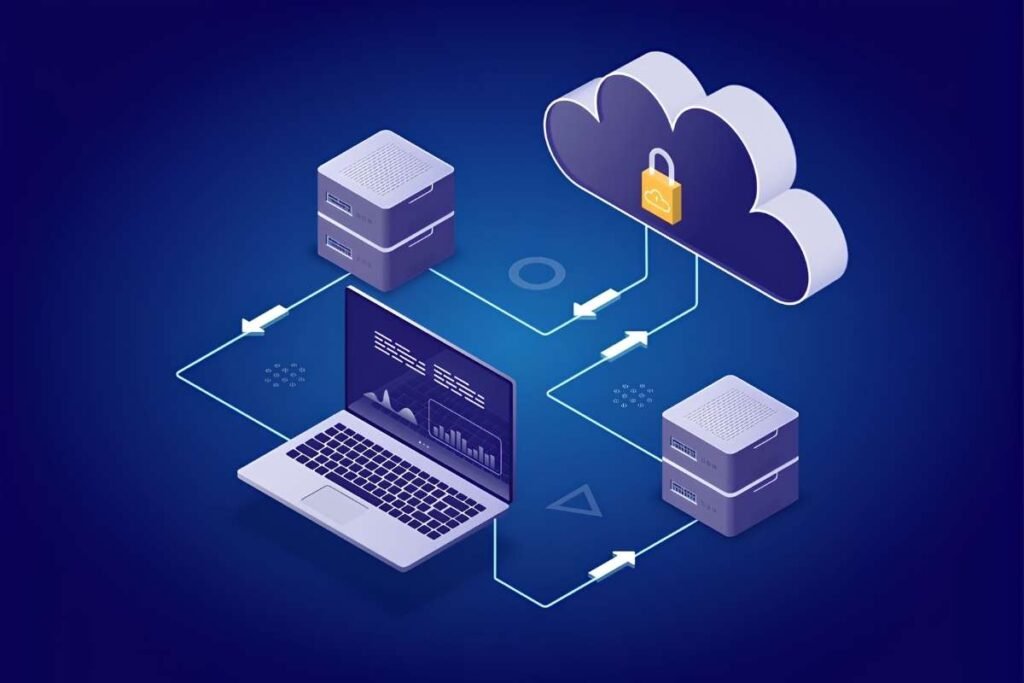
Endpoint Detection and Response (EDR) is a cybersecurity technology that monitors devices such as laptops, desktops, and servers for suspicious activity. It helps security teams detect threats, investigate what happened, and respond quickly.
Traditional endpoint security often focuses on blocking known threats and malicious files. EDR goes a step further by continuously watching activity on a device. This helps teams spot unusual behavior, even when an attack does not involve obvious malware.
Microsoft describes it as combining endpoint visibility, real-time analysis, investigation, and response.
This matters because attackers often use legitimate tools, such as PowerShell or remote-access software, instead of traditional malware. EDR helps security teams answer key questions:
- What happened on the device?
- Which process caused the activity?
- Which user was involved?
- What files or systems were affected?
- Did the same activity happen on other devices?
- What action should be taken next?
This makes EDR an important part of broader endpoint security. It does not replace every other security tool, but adds deeper visibility and response capabilities.
It also does not record every action on a device like a general audit log. Instead, it focuses on security-related activity that can help detect and investigate threats.
In simple terms, EDR helps security teams see what is happening on their devices, spot threats, understand what happened, and respond quickly.
How Does Endpoint Detection and Response Work?
It continuously monitors devices, looks for suspicious activity, helps security teams investigate threats, and supports quick response.
A simple EDR workflow looks like this:
Endpoint activity → Data collection → Analysis → Detection → Investigation → Response → Recovery
1. Monitoring
EDR monitors activity on devices, including processes, file changes, network connections, and user logins. This gives security teams visibility into what is happening on an endpoint.
2. Detection
The platform analyzes this activity to spot unusual or suspicious behavior. It can use behavioral analysis, threat intelligence, and detection rules to identify potential threats.
3. Investigation
When EDR detects something suspicious, security teams can investigate what happened. They can review activity, trace related processes and connections, and see how the incident developed.
This helps answer three key questions: What happened? Where did it happen? What happened next?
4. Response
Once a threat is confirmed, teams can take action. Depending on the EDR platform, they may isolate the device, stop a malicious process, quarantine a file, or automate certain response actions.
This cycle helps security teams detect threats early, understand what happened, and respond before the problem spreads.
What Are the Key Parts That Make EDR Work?
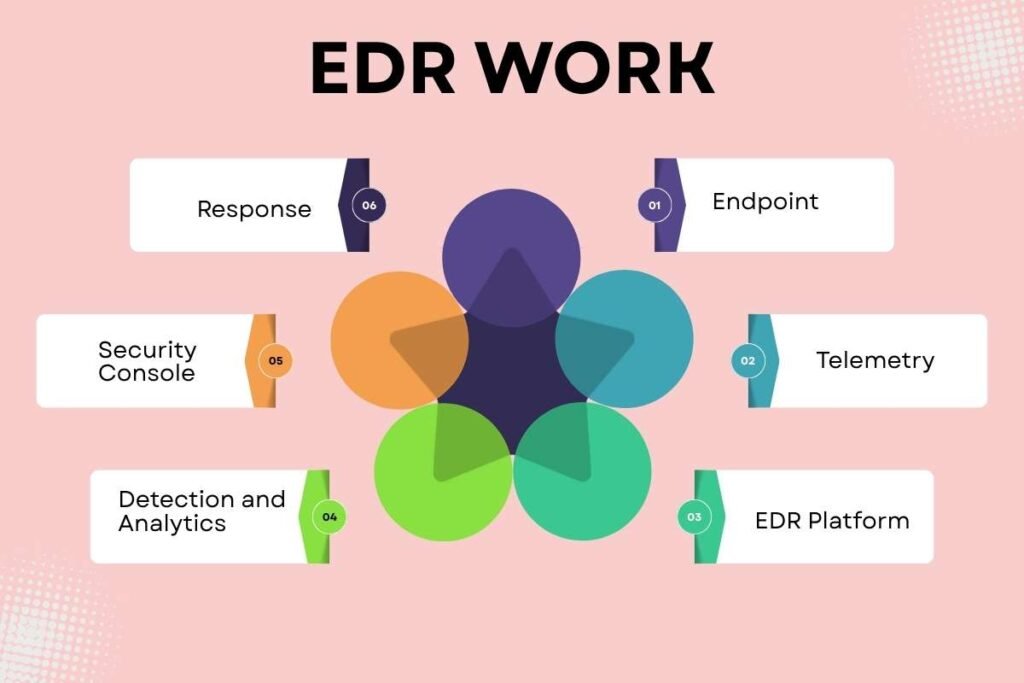
An Endpoint Detection and Response system brings together several connected layers that collect endpoint activity, analyze it for threats, help security teams investigate incidents, and support response. These layers work together to give teams visibility into what is happening across monitored devices.
Endpoint:
The endpoint is the device being monitored, such as a laptop, desktop, or server. This is where security-related activity takes place and where endpoint data is collected.
Telemetry:
Telemetry is the security-related data collected from endpoints. This can include running processes, file changes, network connections, user logins, and commands. This information helps security teams understand what happened on a device.
EDR Platform:
The EDR platform collects, stores, and processes data from monitored endpoints. Bringing this information together allows teams to search activity, connect related events, and investigate suspicious behavior.
Detection and Analytics:
Detection and analytics capabilities examine endpoint telemetry for signs of suspicious or malicious activity. They can use detection rules, threat intelligence, and behavior-based analysis to identify activity that needs further investigation.
Security Console:
The security console gives analysts a central place to review alerts, search endpoint activity, and investigate incidents. It can help connect processes, files, users, and network activity to show how an event developed.
Response:
Response controls allow security teams to take action when a threat is confirmed or requires containment. Depending on the platform, this can include isolating an endpoint, stopping a process, quarantining a file, or taking other configured actions.
Together, these components make the EDR process possible and form the foundation of an Endpoint Detection and Response setup.
What Does Endpoint Detection and Response Detect?
Endpoint Detection and Response looks for activity that may signal a security threat on a device. Instead of focusing only on known malware, it can also spot unusual behavior and activity that does not fit normal patterns.
EDR can help detect:
- Suspicious processes and commands: Unusual programs, scripts, or commands running on a device.
- Malicious files and software: Files or programs linked to known threats or harmful activity.
- Unusual file changes: Sudden changes to large numbers of files or other activity that may point to an attack.
- Suspicious network activity: Unexpected connections between a device and external systems or other devices on the network.
- Credential misuse: Signs that stolen or compromised login details may be used to access systems.
- Lateral movement: Activity that suggests an attacker is moving from one device to another.
- Attempts to avoid detection: Actions such as disabling security tools or changing settings to stay hidden.
For example, an employee’s laptop may suddenly run a script, connect to an unusual external system, and begin changing large numbers of files. EDR can link these events together and flag the activity for investigation.
This broader view is one reason it can be useful during an attack. It helps security teams look beyond a single suspicious file and understand the behavior taking place across a device.
How Does EDR Support Incident Response?
Endpoint detection and response helps security teams respond to attacks by showing what happened on a device and giving them tools to act. It can help find affected devices, track suspicious activity, isolate infected systems, and remove threats.
Incident response is broader than EDR. It covers the full process of preparing for an attack, finding it, containing it, removing the threat, restoring systems, and learning from the incident. EDR mainly helps with finding, investigating, and containing threats.
For example, imagine an employee’s laptop starts running a strange script. EDR can flag the activity and show which program started it and which user was logged in. If the device is infected, the security team can isolate it from the network while they investigate further.
It is also useful when an attack affects several devices. Security teams can look for similar activity across endpoints to find out if the attack has spread.
EDR can support a wider incident response plan, but it cannot replace it. Teams still need clear roles, communication steps, recovery plans, and procedures for handling an attack.
Some EDR platforms can also automate parts of the response. They may sort alerts, stop suspicious activity, or isolate a device without waiting for a manual action.
How Do Proactive EDR and Threat Hunting Improve Detection?
Proactive EDR helps security teams find suspicious activity before it turns into a major security issue. Threat hunting takes this a step further by actively searching for signs of an attack that may not have triggered an alert.
Most security teams start with an alert and then investigate it. With threat hunting, they can also start with a suspicious pattern and search device data to see if it appears elsewhere.
For example, a team may search for unusual commands running across several devices. This can help them find signs of an attack instead of waiting for an alert to appear.
Good device data is important for this work. The more useful information EDR collects, the easier it is for security teams to trace activity and understand what happened.
Threat hunting can also show where existing security rules may be missing threats. When teams find suspicious activity that was not detected, they can use those findings to improve their rules and security measures.
The process is simple:
EDR collects data → Teams spot unusual activity → Analysts investigate → Threat hunters search for more signs → Detection improves
This makes it useful not only for responding to alerts but also for finding threats early.
How Does EDR Help Protect Against Ransomware?

It helps protect against ransomware by spotting unusual activity on devices and helping security teams act quickly when they find a threat.
Ransomware attacks often involve more than just locking files. Attackers may first break into a system, steal login details, move to other devices, or turn off security tools before they start encrypting files.
Verizon’s 2025 Data Breach Investigations Report looked at more than 22,000 security incidents and 12,195 confirmed breaches. It found that ransomware was involved in 44% of breaches, up from 37% the year before.
EDR can help spot warning signs during an attack. CISA recommends EDR as a tool for finding and investigating unusual activity during ransomware attacks. It can also help teams spot attempts to move between devices.
For example, EDR may flag unusual programs or scripts, unexpected network connections, changes to many files, attempts to turn off security tools, or signs that login details are being misused.
To understand how EDR helps protect against ransomware in more detail, it is useful to look at how these warning signs appear during different stages of an attack.
EDR cannot stop every ransomware attack on its own. Strong protection also needs regular software updates, access controls, network security, backups, and a clear plan for handling attacks.
What Are the Benefits of Endpoint Detection and Response?
Better endpoint visibility is one of the main benefits, giving security teams more information for faster and more informed threat detection and response. It helps security teams move beyond simply blocking known threats toward understanding suspicious activity across devices.
Key benefits include:
1. Greater endpoint visibility:
EDR provides security teams with security-relevant information about activity occurring on monitored endpoints. This can help reveal behavior that would otherwise be difficult to investigate.
2. Faster investigation:
Rather than beginning an investigation with limited information, analysts can use endpoint telemetry and timelines to understand how suspicious activity developed.
3. Better detection of behavioral threats:
Because EDR can analyze behavior and context, it can help identify activity that does not match a simple known-malware pattern.
4. Faster containment:
Response actions can help security teams isolate affected endpoints or stop suspicious activity before an incident spreads further.
5. Support for threat hunting:
Historical and current endpoint telemetry can provide material for proactive searches and investigations.
6. Better incident context:
EDR can help connect processes, users, files, and network activity, allowing analysts to understand an incident as a sequence rather than a collection of unrelated alerts.
The business benefits of EDR (Benefits of Endpoint Detection and Response ) depend on how effectively an organization deploys, monitors, and responds to the technology. Poor endpoint coverage or a lack of clear processes can reduce the value EDR provides.
What Are the Best Practices for Using Endpoint Detection and Response?
Getting value from EDR takes more than installing software on your devices. Teams also need good coverage, clear rules, regular checks, and a plan for handling threats.
1. Cover All Key Endpoints
Make sure EDR is installed on the laptops, desktops, servers, and other devices that need protection. Missing devices can leave gaps that attackers may use.
2. Set Clear Response Steps
Decide what your team should do when EDR finds a threat. Make it clear who will investigate, who can isolate a device, and when the issue should be passed to senior security staff.
3. Reduce Unwanted Alerts
Too many false alerts can make it harder for teams to spot real threats. Review and adjust EDR settings so the system focuses on activity that matters.
4. Focus on Important Devices
Give extra attention to devices that hold sensitive data or have high access levels. This may include key servers and devices used by admin or senior staff.
5. Connect EDR With Other Security Tools
EDR works better when it can share data with other security tools, such as SIEM, identity security, network monitoring, and XDR. This gives teams a wider view of possible attacks.
6. Test EDR Regularly
Check that devices are reporting data and that alerts and response actions work as expected. Regular testing can help find problems before a real attack occurs.
7. Use EDR as Part of a Wider Plan
EDR should work alongside software updates, access controls, backups, network security, and employee training. No single tool can protect an organization from every threat.
Following these steps can help teams get more value from EDR.
How Does EDR Compare With Other Security Technologies?

Endpoint Detection and Response is often compared with Antivirus, Endpoint Protection Platform (EPP), Managed Detection and Response (MDR), Security Information and Event Management (SIEM), and Extended Detection and Response (XDR).
The key difference is what each one is built to do. Some tools focus on stopping threats, while others help teams investigate them, manage security data, or handle security work for an organization.
| Technology | Primary Focus | How it differs from EDR |
| Antivirus | Finds and blocks malware | EDR gives more detail about what happened on a device and helps teams investigate and respond |
| EPP | Stops threats on endpoints | EPP focuses more on prevention, while EDR focuses more on finding and handling threats |
| MDR | Provides security monitoring and response | MDR is a service where experts monitor and respond, often using EDR or XDR tools |
| SIEM | Collects security data from many systems | SIEM gives a wider view, while EDR provides deeper detail about endpoint activity |
| XDR | Connects security data across several areas | XDR goes beyond endpoints to include areas such as email, identity, cloud, and network security |
EDR vs Antivirus
Antivirus is mainly used to find and block malware. Modern antivirus tools can also use behavior-based detection, so the line between antivirus and EDR is not always clear.
The main difference is what happens after a threat is found. With EDR, security teams get more information about the device, including what started the activity, what it affected, and what happened next. This makes it more useful when teams need to investigate an attack, not just block a file.
EDR vs EPP
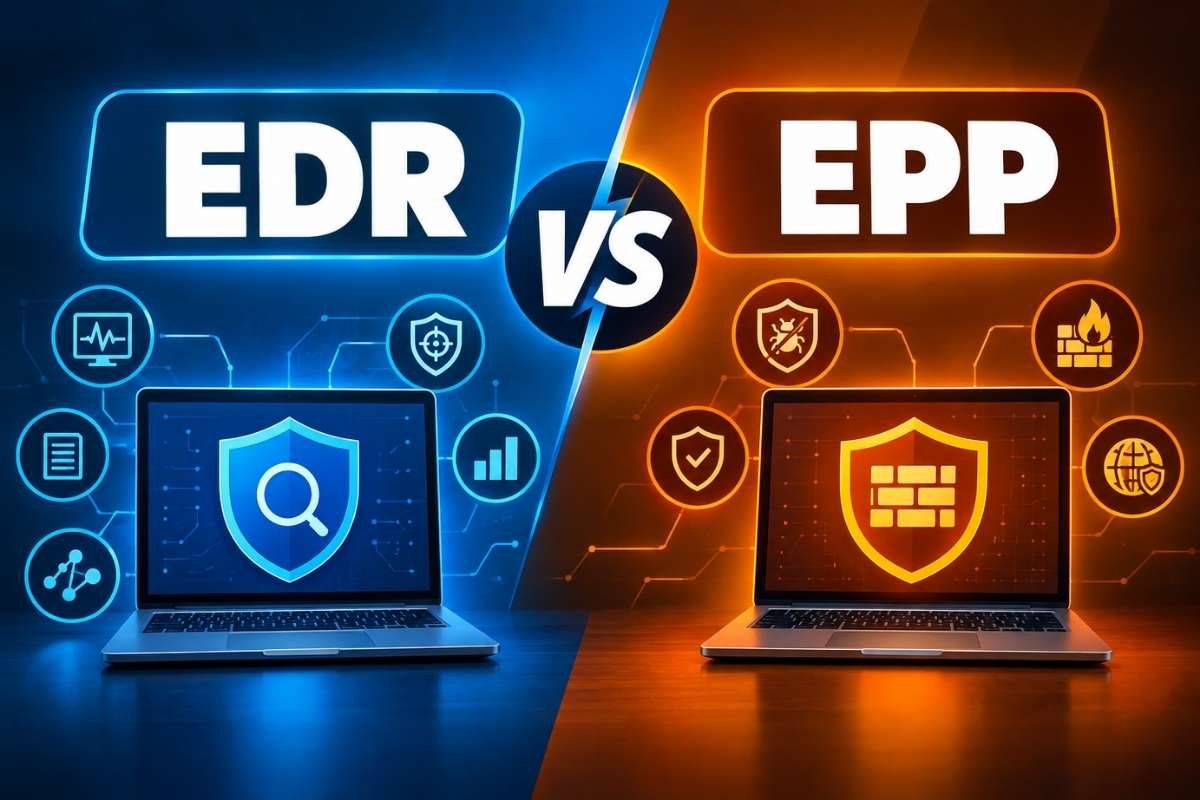
EPP, or Endpoint Protection Platform, is mainly built to prevent threats from reaching or harming a device. EDR is built to help teams find, investigate, and respond to threats that may already be happening.
In practice, organizations often need both. EPP provides the first line of defense, while EDR helps when a threat gets through or behaves in a way that needs further investigation.
EDR vs MDR
EDR is a security technology. MDR, or Managed Detection and Response, is a security service.
With EDR, your own team uses the platform to review alerts and respond to threats. With MDR, an outside security team monitors activity, investigates alerts, and may respond on your behalf. Many MDR providers use EDR or XDR tools as part of their service.
EDR vs SIEM
SIEM, or Security Information and Event Management, collects security data from many parts of an organization. This can include endpoints, servers, networks, cloud systems, and other tools.
EDR focuses on what is happening on endpoints and provides deeper detail about that activity. This means the two often work better together: SIEM gives the wider picture, while EDR gives deeper endpoint detail.
EDR vs XDR
XDR, or Extended Detection and Response, takes the idea behind EDR and expands it beyond endpoints. It can connect data from endpoints with signals from email, identity systems, networks, and cloud services.
This broader view can help teams spot links between events that may look unrelated when viewed separately. EDR remains more focused on the endpoint, while XDR helps teams investigate threats across several parts of the IT environment.
What Is Managed EDR and When Is It Useful?
Managed EDR means an outside security provider helps run an organization’s Endpoint Detection and Response (EDR) system. The provider can monitor alerts, investigate threats, and help respond to attacks.
Using EDR well takes more than installing software on devices. Security teams also need to review alerts, check suspicious activity, update settings, and respond when a threat is found. This can be hard for organizations that do not have enough security staff.
For example, a small business may have an IT team but no full-time security experts. A larger company may have a security team but still need extra help with 24/7 monitoring. In both cases, managed EDR can provide the added support needed to keep watch over endpoints.
Before choosing a provider, check what the service covers. This includes when the team monitors your systems, how it handles serious threats, who can take action, how incidents are reported, and which devices and systems are covered.
Managed EDR is therefore not just about adding another security tool. It helps fill the people and support gaps that can make EDR hard to manage on your own.
Conclusion:
Endpoint Detection and Response helps security teams find, investigate, and respond to threats on devices. It gives teams better visibility into suspicious activity and helps them act before an attack spreads.
EDR works best as part of a wider security strategy that includes access controls, software updates, backups, network security, and incident response.
Frequently Asked Questions
1. Can Endpoint Detection and Response detect unknown threats?
EDR can help identify previously unknown threats by analyzing suspicious behavior and contextual signals rather than relying only on known signatures. However, no security technology can guarantee detection of every unknown threat.
2. Is EDR useful for small businesses?
It can be, particularly when endpoints contain important business data or are a significant part of the organization’s attack surface. The appropriate approach depends on endpoint count, risk, budget, internal expertise, and whether managed security services are required.
3. Does EDR monitor every activity on a device?
Not necessarily. EDR is designed to collect and analyze security-relevant telemetry rather than act as a complete record of every operation performed on an endpoint. The exact data collected depends on the technology and configuration.
4. What should an organization consider before implementing EDR?
Organizations should consider endpoint coverage, operating-system support, telemetry requirements, detection quality, response capabilities, integrations, alert volume, staffing, compliance needs, and the ability to operate the platform effectively.