Your business may not need more infrastructure. It needs infrastructure that can keep up when demand changes, costs rise, and technology moves faster than expected.
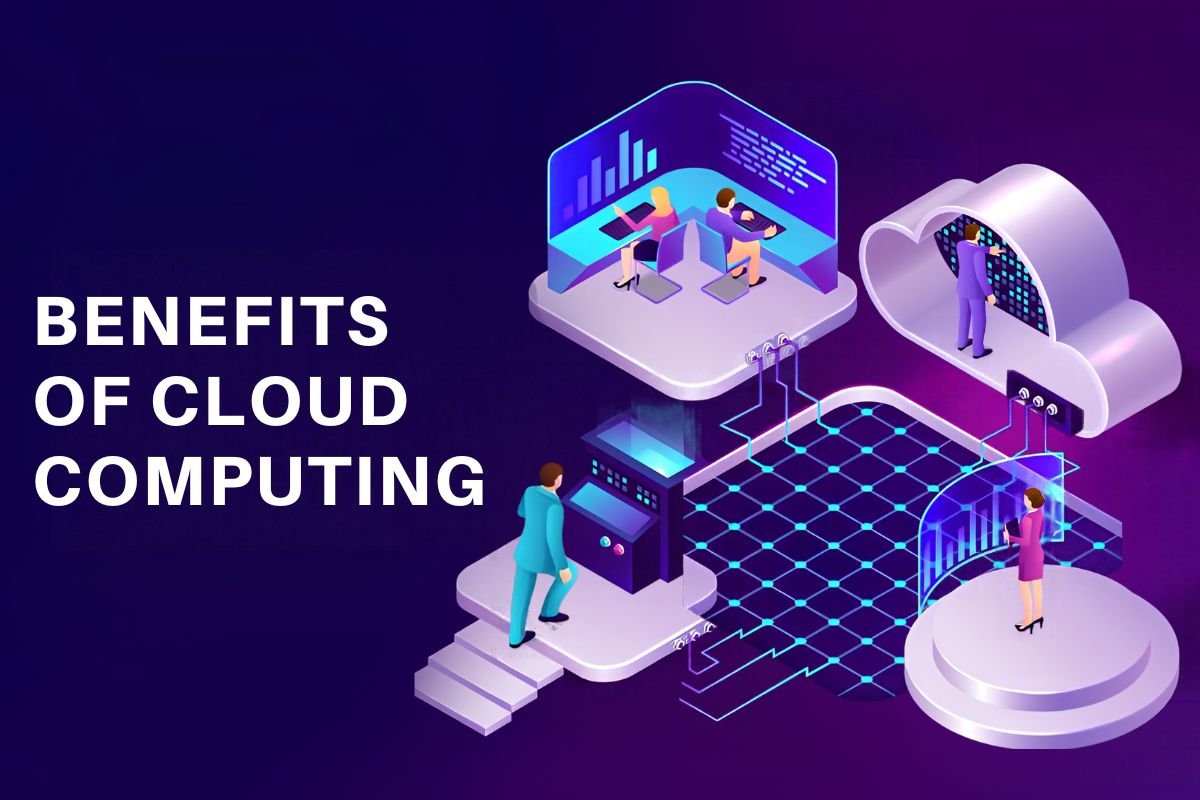
That is where cloud computing comes in. Instead of relying entirely on physical servers and fixed capacity, businesses can use cloud resources on demand to manage costs, scale operations, improve performance, and support innovation.
The real benefits of cloud computing come from using these capabilities for the right workloads and connecting them to clear business goals, not simply moving everything to the cloud.
8 Key Benefits of Cloud Computing
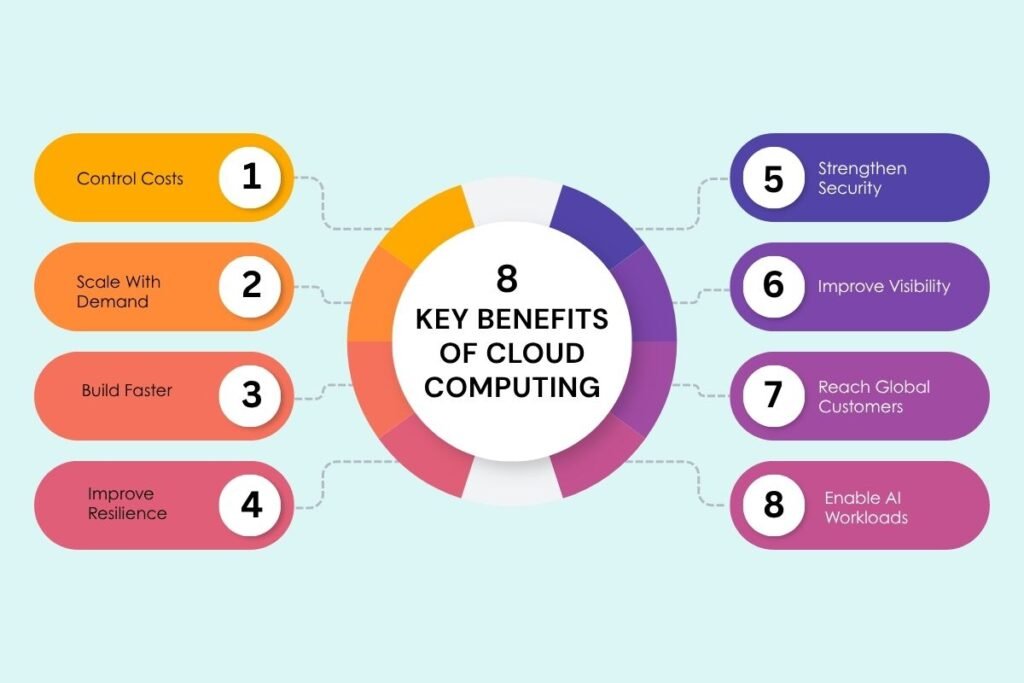
1. Control Costs
Cloud computing can reduce the need for large upfront spending on servers and other hardware. Businesses can pay for the resources they use, adjust capacity when requirements change, and remove resources they no longer need.
Real-World Impact:
3M moved 2,200 applications to AWS in 24 months and reported millions of dollars in savings through compute-cost optimization. It also reduced resource deployment time from weeks to minutes.
2. Scale With Demand
Cloud computing makes it easier to increase resources when traffic grows and reduce them when demand falls. This is useful for businesses that deal with seasonal traffic, sudden spikes, or fast growth.
3. Build Faster
Cloud platforms give development teams ready access to computing, storage, databases, and other services. This can reduce the waiting time involved in setting up infrastructure and help teams build and test applications faster.
Businesses can also automate infrastructure setup and application deployment to reduce repetitive manual work.
4. Improve Resilience
Cloud computing can help businesses prepare for outages and other disruptions by supporting backups, redundancy, and recovery systems.
Businesses can back up important data, keep critical workloads available through suitable infrastructure, and regularly test recovery plans instead of assuming everything will work when a problem occurs.
5. Strengthen Security
Cloud platforms provide tools for access control, encryption, identity management, logging, and monitoring. Businesses can use these tools to protect their applications and data.
The important part is using them properly. Teams should enable MFA, limit unnecessary access, monitor activity, and regularly check cloud configurations.
Real-world impact:
Physics Wallah (PW) strengthened its AWS environment using AWS WAF, AWS Shield, encryption, and multi-factor authentication to protect its platform from unauthorized access and DDoS attacks. AWS reports that the company blocked 250 billion requests from malicious IP addresses and reduced unauthorized referrals by 15%.
This shows that moving to the cloud does not automatically make an organization secure. Businesses still need to manage their cloud security controls properly.
6. Improve Visibility
As businesses add more cloud services, it can become harder to know what is running, how it is performing, and where problems are coming from.
Cloud monitoring helps teams track application performance, resource usage, errors, and unusual activity. Businesses can use dashboards, logs, and alerts to catch issues earlier.
7. Reach Global Customers
Cloud providers operate infrastructure across different regions, allowing businesses to run applications closer to customers in different locations.
Businesses can choose regions based on customer location, performance, availability, and data-residency requirements. This can make global expansion easier without requiring a company to build its own data centers everywhere.
8. Enable AI Workloads
Cloud computing gives businesses access to GPUs, storage, computing power, and AI services without requiring them to build all the infrastructure themselves.
Businesses can use cloud resources for AI development, training, testing, and inference. They should also monitor usage because AI workloads can quickly increase computing costs.
Real-World Impact:
Gartner forecasts worldwide spending on AI-optimized IaaS to reach $42.3 billion in 2026, up 96.4% from 2025. It also expects inference spending to reach $23.3 billion, overtaking training spending at $19 billion.
The shift shows that businesses are increasingly using cloud infrastructure not only to build AI models but also to run AI applications in real-world business processes.
Also Read: Identity and Access Management: Components, Working, and Why Most Projects Fail?
How Should Businesses Evaluate Cloud Adoption?

The strongest cloud strategy is not “move everything to the cloud.” It is deciding which workloads should move, why they should move, and how success will be measured.
1. Assess Workload Fit
Before migration, evaluate:
| Factor | Key question |
| Business value | What outcome should the migration improve? |
| Performance | Does the workload require specific latency or compute capabilities? |
| Security | What data and access controls are required? |
| Compliance | Are there location, retention, or sovereignty requirements? |
| Cost | What will the workload cost over its full lifecycle? |
| Dependencies | Which applications, databases, or systems must remain connected? |
| Resilience | What availability and recovery requirements apply? |
| Portability | Would dependence on proprietary services make future migration difficult? |
2. Measure the Outcome, Not the Migration
Moving applications is an activity. Improving business performance is the outcome.
Useful objectives include:
- Cost efficiency: Cost per transaction or workload
- Application performance: Response time or latency
- Reliability: Availability and recovery time
- Development speed: Deployment frequency or release cycle time
- Security: Critical findings and remediation time
- Operational efficiency: Manual infrastructure hours
- AI efficiency: Cost per inference or processing task
3. Build Governance Into the Architecture
Cloud governance should cover more than spending limits. It should define requirements for identity, security, data, architecture, compliance, resource ownership, and workload deployment.
Cloud decisions affect technology, finance, security, and business teams, making cross-functional governance important. FinOps can connect cloud consumption with financial accountability and business value.
What Are the Limitations of Cloud Computing?

Cloud computing can provide significant advantages, but organizations should account for its trade-offs.
- Cost variability: Consumption-based pricing can make spending difficult to predict for rapidly changing workloads.
- Security misconfiguration: Poor identity, access, or configuration controls can expose cloud resources.
- Compliance constraints: Data residency and regulatory requirements can limit deployment choices.
- Vendor dependency: Heavy use of proprietary services can increase switching costs.
- Operational complexity: Hybrid and multicloud architectures can create additional management overhead.
- Network dependency: Applications may be affected when connectivity to cloud services is disrupted.
What Should Technology Leaders Ask Before Adoption?
Before approving a cloud migration or expansion, technology leaders should ask:
- What business problem will cloud adoption solve?
- Is this workload technically and economically suitable for the cloud?
- What security, compliance, and data-residency requirements apply?
- How will the workload be monitored and governed after deployment?
Also Read: Zero Trust Security Principles for Modern Organizations
Conclusion
Cloud computing can create lasting business value when adoption is guided by clear priorities rather than treated as a one-time technology project. The benefits of cloud computing are best realized when businesses choose the right workloads, set measurable goals, and manage cloud environments with discipline.
For enterprise technology teams, this means balancing cost, security, performance, and resilience while using FinOps, governance, and continuous measurement to keep cloud investments aligned with business needs.
FAQs
1. What are the benefits of cloud computing for small businesses?
The benefits of cloud computing for small businesses include lower upfront infrastructure costs, flexible capacity, faster access to technology, and reduced hardware management.
2. What is cloud repatriation?
Cloud repatriation is the process of moving workloads or data from a public cloud back to on-premises or private infrastructure when it better suits cost, performance, compliance, or operational requirements.
3. How can businesses avoid cloud vendor lock-in?
Businesses can reduce vendor lock-in by using portable architectures, open standards, documented dependencies, and limiting unnecessary reliance on proprietary cloud services.
4. What are the 7 Rs of cloud migration?
The seven Rs are rehost, replatform, refactor, repurchase, relocate, retain, and retire, which help organizations choose an appropriate migration approach for each workload.