Cybersecurity teams rarely get the luxury of handling one incident at a time. As threats grow more frequent, even routine tasks can consume hours of analyst time.
Automated incident response is generally safest when the task is repetitive, the trigger is clear, and the outcome is predictable. It can enrich alerts, collect evidence, create tickets, quarantine files, or isolate endpoints based on rules set by the security team.
The risk increases when an automated action could affect critical systems, legitimate users, or business operations. Those situations may need an analyst review before anything happens.
Here’s what you can safely automate, where human approval matters, and how to build response workflows that reduce risk.
What is Automated Incident Response?
Automated incident response uses technology to carry out specific response tasks when predefined conditions are met.
For example, a security tool may detect a known malicious file and trigger a workflow. The workflow can collect related evidence, quarantine the file, and create an incident record without requiring an analyst to complete each step manually.
It can also help investigate alerts by gathering relevant logs or threat intelligence. If a threat meets certain conditions, the workflow may isolate an endpoint, disable a compromised account, or block a known malicious indicator. It can then record the actions taken and notify the right team members.
The actions depend on the rules and security tools in place. Low-risk, repeatable tasks are usually easier to automate, while actions with a greater business impact may require analyst approval.
How Does Automated Incident Response Work?

It begins when a security tool detects something that matches a predefined condition. The security team sets these conditions in advance so the system knows when it should investigate, respond, or ask an analyst to step in.
A defined rule can specify what should trigger the workflow, what evidence to check, and what action to take.
For example, a team could create a rule that says: if a known malicious file is detected on an endpoint, collect the related evidence and quarantine the file. If the activity does not meet the required conditions, the workflow can stop or send the alert to an analyst instead.
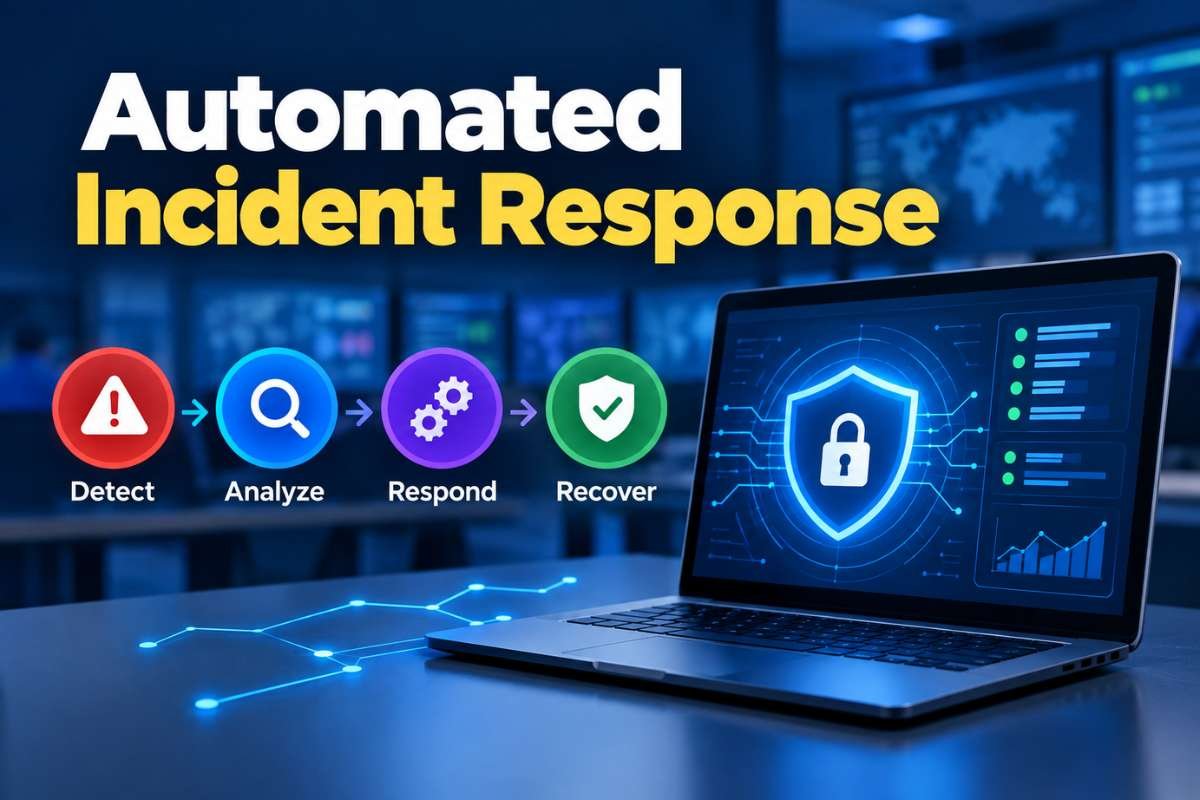
A typical workflow then works through a few steps:
- Collect information: Gather details about the alert, device, user, file, or network activity.
- Add context: Check threat intelligence, previous alerts, or related events.
- Check the rules: Determine whether the event meets the conditions set by the security team.
- Select the response: Choose the action linked to those conditions.
- Take action: Quarantine a file, isolate an endpoint, disable an account, or perform another approved action.
- Record the activity: Log what happened so analysts can review the incident later.
Defined rules can be based on factors such as known malicious indicators, alert severity, affected device type, user risk, repeated activity, or the number of endpoints involved. Teams can also set approval requirements for actions that could disrupt users or business operations.
Microsoft Sentinel, for example, uses playbooks that can run automatically when specific alerts or incidents are created or updated. These playbooks can coordinate actions across connected security tools.
The quality of the rules matters. A rule that is too broad may trigger unnecessary actions, while one that is too narrow may miss relevant threats. Testing and regular review help keep automated workflows accurate and safe.
What Incident Response Tasks Can Be Automated?
Security teams can automate repetitive response tasks when the trigger and expected action are clear. In practice, this can include:
- Alert enrichment: Add threat intelligence, device details, user activity, and related events to help analysts understand an alert.
- Evidence collection: Gather logs, running processes, files, and other data needed to investigate a security incident.
- Incident ticket creation: Open a ticket with key alert details so the incident can be assigned, tracked, and documented.
- File quarantine: Move a suspicious file to a restricted location so it cannot run while the team investigates it.
- Endpoint isolation: Disconnect a potentially compromised device from the network to limit further access.
- Account disabling: Temporarily disable a user account when evidence suggests its credentials may have been compromised.
- Indicator blocking: Block a known malicious IP address or domain to prevent connections to it.
- Security notifications: Alert the right team members when an automated action is completed, or human review is needed.
These tasks work well with automation because the response is clear. Higher-risk actions may still need analyst approval.
| Task | Automated Action | Purpose |
| Alert enrichment | Add threat intelligence | More alert context |
| Evidence collection | Gather related logs | Faster investigation |
| Ticket creation | Open incident ticket | Consistent tracking |
| File response | Quarantine file | Limit malicious activity |
| Endpoint response | Isolate device | Limit further access |
| Account response | Disable account | Stop suspected misuse |
| Network response | Block indicator | Prevent known connections |
| Notification | Alert response team | Faster escalation |
Which Incident Response Decisions Should Stay With Analysts?
Automation works well when the expected action is clear. Some incidents are too uncertain or too disruptive to handle without human review.
Analysts should generally remain involved when a response could:
- Disrupt a critical business system
- Disable an important user account
- Affect many devices
- Remove evidence needed for investigation
- Trigger a major business or recovery decision
- Respond to an unclear or conflicting alert
A useful rule is that the greater the business impact, the more likely the action should require human approval.
This approach also fits the wider role of an Incident Response Plan, where teams define responsibilities, escalation paths, and response decisions before an incident occurs.
What Are the Benefits of Automated Incident Response?
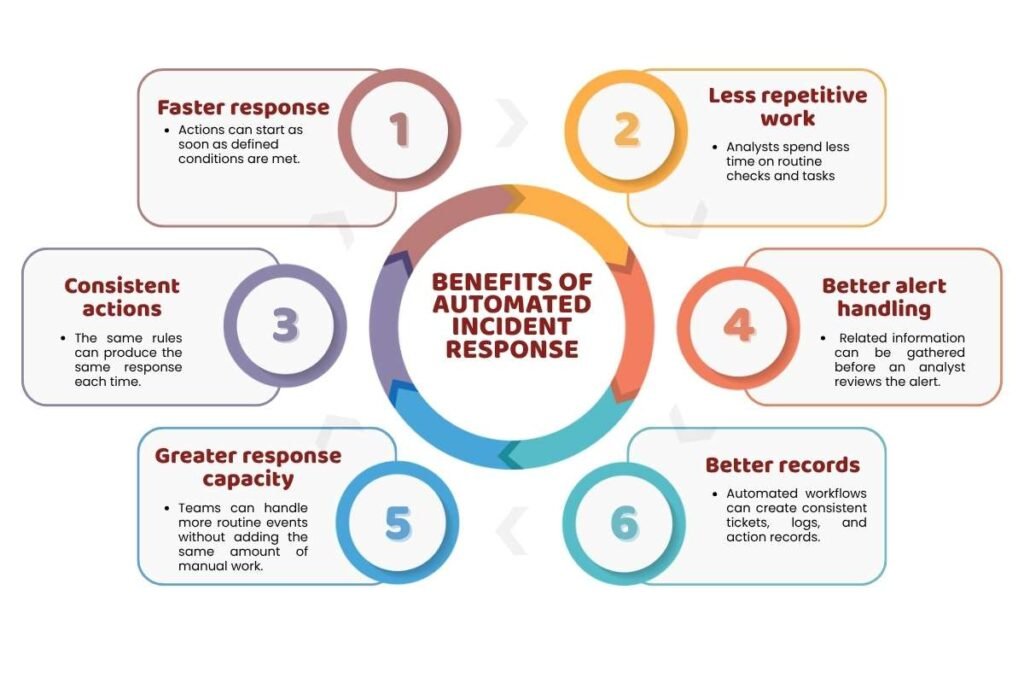
The main value is the time and consistency gained when repeatable work no longer depends on manual action.
Key benefits include:
- Faster response: Actions can start as soon as defined conditions are met.
- Less repetitive work: Analysts spend less time on routine checks and tasks.
- Consistent actions: The same rules can produce the same response each time.
- Better alert handling: Related information can be gathered before an analyst reviews the alert.
- Greater response capacity: Teams can handle more routine events without adding the same amount of manual work.
- Better records: Automated workflows can create consistent tickets, logs, and action records.
The benefit depends on the quality of the workflow. Automation cannot fix a weak detection rule, missing data, or an unclear response process.
What Are the Risks of Automated Incident Response?
An automated action can happen quickly, but a mistake can also happen quickly. A false alert may trigger an unnecessary response, while a poorly written rule can cause the wrong action. Missing security data can also lead to a decision based on incomplete information.
Permissions are another concern. If an automated workflow has too much access, it could isolate a legitimate device, disable a valid account, or block normal network traffic. A workflow can also fail without alerting the response team, leaving an incident without the attention it needs.
CISA’s incident response playbooks stress the importance of clear processes, coordination, and tracking during response activities. Automated detection can start the process, but teams still need oversight throughout the incident.
For this reason, teams should measure more than how many actions automation performs. They should also check whether those actions were accurate and appropriate.
How Does EDR Support Automated Incident Response?
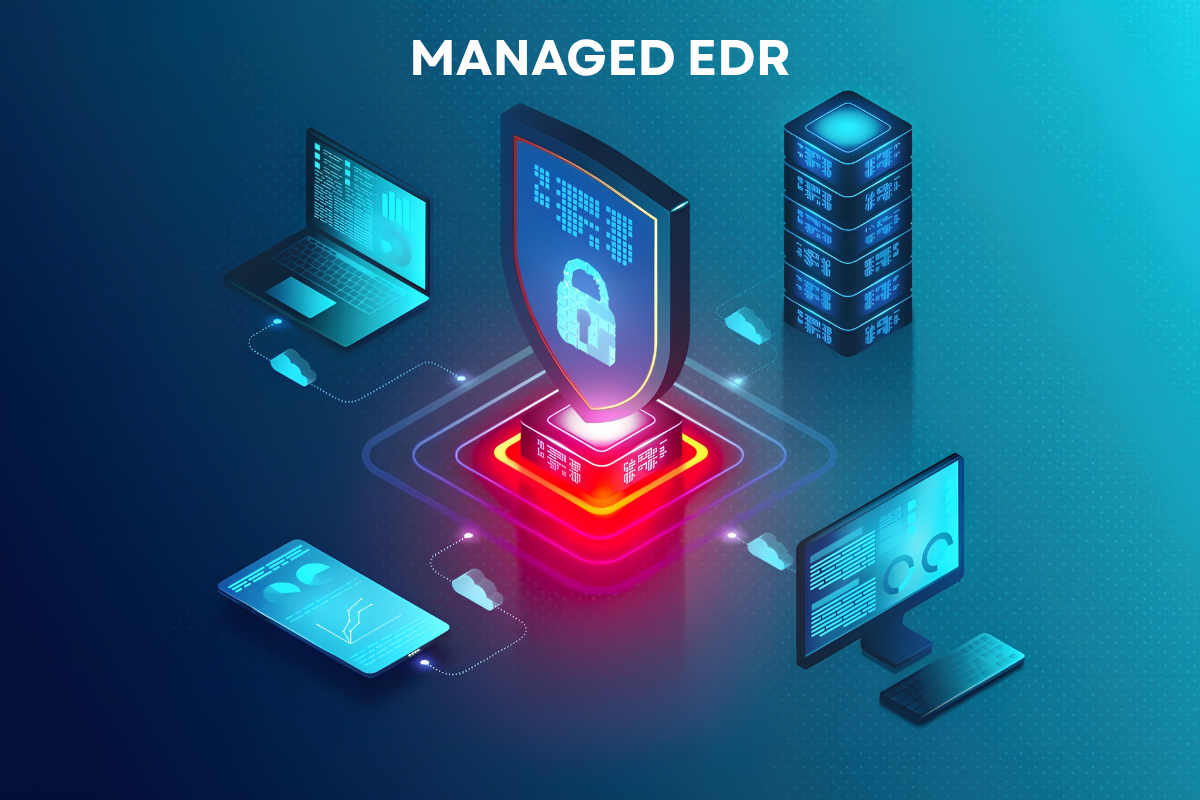
Endpoint Detection and Response can provide the endpoint data and response actions used in automated workflows.
For example, an EDR system may detect suspicious process activity and provide details about the device, user, file, and related network activity. A response workflow can then use that information to trigger an approved action, such as isolating the endpoint or stopping a process.
This makes EDR useful when automated response depends on accurate endpoint data and fast containment.
Understanding how Endpoint Detection and Response works also helps explain where endpoint detection, investigation, and response actions fit into a larger automated workflow.
How Can Security Teams Build Safer Automated Response Workflows?
Start small because automating a few well-understood tasks is easier to test and control than automating an entire response process at once.
A practical approach is:
- Choose repeatable use cases.
- Define the trigger and expected result.
- Set approval rules for high-impact actions.
- Limit the permissions available to the workflow.
- Test the workflow with known scenarios.
- Monitor failures and false positives.
- Review the workflow as threats and systems change.
How Should Teams Measure Automated Incident Response?
Automation should be measured by response quality as well as response speed.
| Metric | What It Shows |
| Mean Time to Respond (MTTR) | Response speed |
| Alert handling time | Manual effort per alert |
| Automated action rate | Workflow usage |
| Analyst approval rate | Human review needs |
| False-positive rate | Rule accuracy |
| Playbook failure rate | Workflow reliability |
| Escalation rate | Cases needing analyst attention |
These measures can show whether automation is actually improving response work. For example, a high automated-action rate may look positive, but a high false-positive rate could mean the workflow needs better rules.
Conclusion:
Automated incident response can reduce delays and repetitive work during security incidents. It can enrich alerts, collect evidence, trigger response actions, and keep incident records with less manual effort.
But automation should have clear limits. Predictable, low-risk tasks are usually better candidates for automation, while high-impact decisions may still need analyst approval.
When the rules, data, permissions, and review process are sound, automated incident response can help security teams respond faster without giving up control.
FAQs
1. Can incident response automation work without SOAR?
Yes. SOAR platforms are one way to manage response automation, but individual security tools can also automate specific response actions.
2. How much does response automation cost?
Costs vary based on the security tools, number of integrations, endpoints, automation scope, and licensing model.
3. Does automated incident response work for small security teams?
Yes. Small teams can start with a few repetitive tasks, such as alert enrichment, ticket creation, or basic containment actions.
4. How do you test a response automation playbook?
Test it with controlled scenarios, confirm each action, check failure handling, and verify that high-impact actions require the right approval.
5. Can automated incident response make mistakes?
Yes. False positives, poor rules, missing data, or excessive permissions can cause an incorrect or disruptive response.