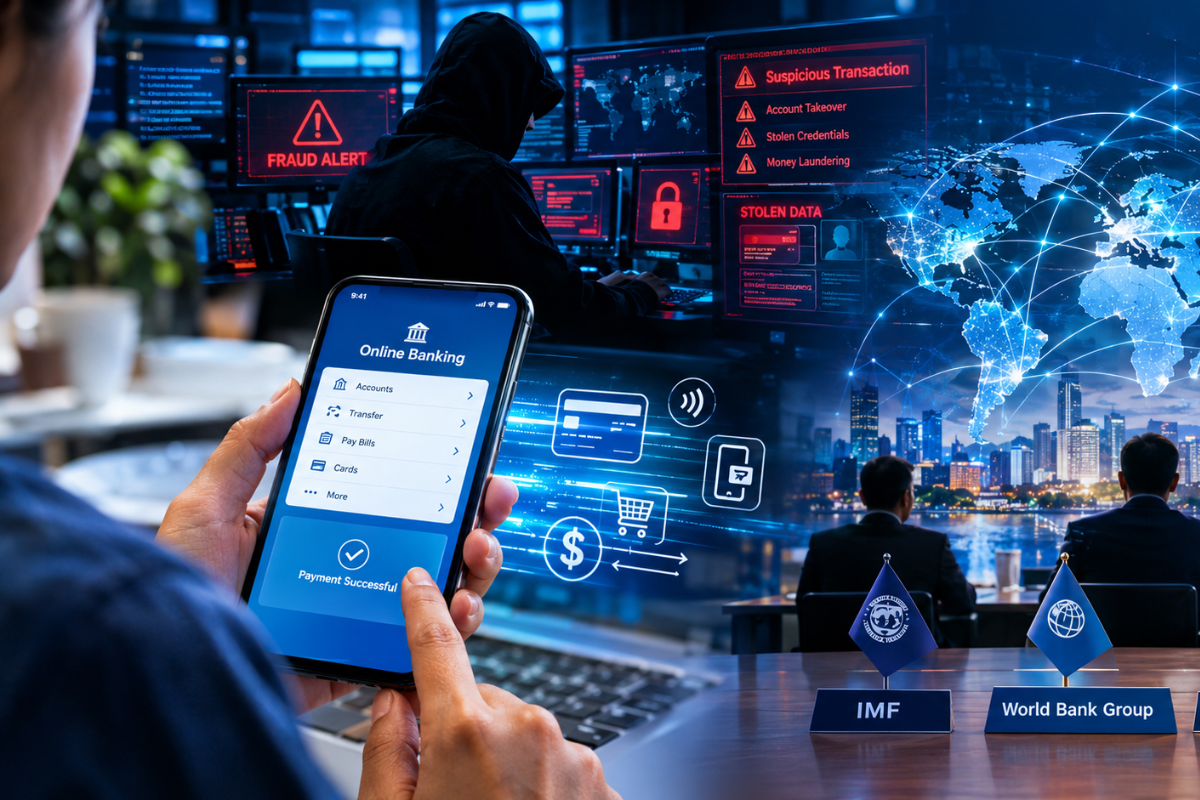
Today, keeping your business safe is harder than ever. The FBI’s 2025 report shows that cybercrime losses hit $20.9 billion in 2025, a 26% jump from the year before. AI-driven fraud is a major part of this problem, causing over 22,000 complaints and $893 million in damages.
Since attackers now use AI to pretend to be you, a simple login check is no longer enough to stop them. Your login page is not a solid wall anymore; it is a gate that bots have learned to open.
To keep your business safe, you must use behavioral biometrics. This tool confirms who you are by watching how you type, move your mouse, and interact with your device while you work.
Understanding Behavioral Biometrics and How It Protects Your Business
It is a security tool that measures how you uniquely use your devices. Instead of just checking a password or a face scan, it learns your digital rhythm. It watches how you type, how you move your mouse, how hard you press your screen, and even how you tilt your phone. By building a map of your habits, the system knows if the person behind the screen is you or a stranger.
The Real-World Role: Keeping Your Sessions Safe
In 2026, this technology has moved from a simple fraud-spotting tool to the main way companies keep work sessions safe. Here is how it works on the job:
1. Non-Stop Security:
Most security stops after you log in. Behavioral security runs in the background the whole time you are working. If you log in as yourself, but your typing and mouse speed suddenly change to match a bot, the system spots the threat right away.
2. Stopping Account Thieves:
Even if a hacker steals your password, they cannot copy how you naturally move. The system detects the difference between a real person and a computer script. It can spot this gap in seconds and block the hacker before they steal data.
3. Fewer Interruptions:
Because this tech works in the background, you do not need to keep typing in passwords or clicking “I am not a robot” boxes. It confirms who you are through your normal work actions. This keeps you safe without slowing you down.
Its job is to balance safety and ease of use. It acts as an invisible guardrail that makes sure your digital workspace stays yours from the moment you start until you log out.
The KYA Trend: How to Tell Humans from Bots?
As AI tools become common, businesses have a new problem: telling a human apart from a bot. This has led to a new standard called “Know Your Agent” (KYA). While KYA focuses on whether an AI tool is allowed to work for you, your security must also check that a real person is truly at the keyboard.
The table below shows key differences between a real person and a bot.
| Human User | Feature | AI-Driven Agent |
| Natural ups and downs | Typing Rhythm | Perfectly steady |
| Smooth, soft curves | Mouse Path | Too straight or jagged |
| Normal backspacing | Fixing Errors | Script-based corrections |
| Natural, moving | Device Hold | Too still or weird |
If your security only checks who logs in, you miss the risk of AI agents acting on behalf of someone else.
How Does Behavioral Biometrics Work?
This technology operates through a three-step cycle that turns your physical actions into a math-based profile. It does not record what you type (like your password or credit card number); instead, it records the rhythm and force behind those actions.
Here is the breakdown of the process:
1) The Collection Phase:
First, it sets a baseline by watching your normal behavior. It learns your typing speed, the time you take to move between keys, and the pressure you use on your screen. It also notes how you move your mouse or hold your phone.
2) Feature Extraction:
Then it watches your live actions. Every time you use your device, the system compares your current movements to your personal map. It checks your rhythm and speed against what it knows is you.
3) Real-Time Scoring:
Finally, it decides if you are the true user. If your actions are familiar, the system confirms your identity in the background. If the actions look robotic, like a mouse moving in a perfect straight line, the system spots the threat. This happens in a split second, often blocking a hacker before they can steal a single piece of data.
What Are the Main Types of Behavioral Biometrics?
Security tools track different habits to keep you safe. Most systems use a mix of these four methods to verify that you are who you say you are:
- Keystroke patterns: This tracks your typing rhythm. It looks at how long you hold each key and the speed between your taps.
- Mouse and cursor movement: This follows your mouse path. People move in soft, natural curves, while bots often move in straight, rigid lines.
- Device handling: This checks how you hold your phone, how hard you press the screen, and how fast you scroll.
- Login habits: This acts like a human clock. It checks if your login time, location, and device match what you usually do every day.
Behavioral Biometrics vs. Physical Biometrics: What is the Difference?
Physical biometrics proves who you are using set traits like your face or fingerprints. In contrast, interaction patterns confirm your identity by studying how you act and move while using a device.
| Feature | Physical Biometrics | Behavioral Biometrics |
| Examples | Fingerprint, Face ID, Retina | Keystrokes, Mouse movement, Gait |
| When it runs | Only at login | During the whole session |
| Goal | Verify identity once | Continuous trust |
| Best For | Proving identity | Stopping mid-session takeovers |
Why Are User Interaction Patterns More Secure Than Passwords?
This tech acts as a filter that never sleeps. Traditional fraud tools (like SMS codes or security questions) are easy for hackers to steal. Behavioral security adds a layer that is nearly impossible to steal because it is built on your muscle memory.
If a hacker gains access to your credentials, they still have to act like you. Since they do not have your physical habits, their actions will trigger an alert. This stops hackers from making transfers, changing account settings, or stealing data.
What Are the Key Benefits of Behavioral Biometrics for Your Team?
Switching to behavioral security helps your team work more safely without adding extra steps to their day. Here are the main ways this technology supports your business:
- Continuous Trust: Security stays active for your entire session, not just at the start.
- Fewer False Alarms: Because the system builds a deep profile of your habits, it knows the difference between your normal typos and a hacker trying to log in.
- Better User Experience: Your team can work without being annoyed by constant extra login prompts.
- Smart Bot Detection: It is one of the only ways to tell if a bot or an AI agent is trying to do your work for you.
Also Read: 10 Key Benefits of Biometric Authentication You Should Know
Why is AI Essential for Behavioral Biometrics?
AI is the brain behind the system. It is responsible for learning and updating your profile.
When you start a new job or learn new software, your typing habits might change slightly. AI adjusts your baseline over time so you do not get locked out. It also processes millions of signals per second to compare your current actions against known bot or hacker patterns. Without AI, the system would be too rigid and would block real users too often.
Conclusion:
Behavioral biometrics is no longer a luxury for big banks; it is a must-have for any business that cares about data. By moving from login-only checks to continuous behavioral monitoring, you stop hackers before they can do damage. If your team is looking to improve security this year, this is the most practical place to start.
Frequently Asked Questions
Q. Will this software slow down my computer?
No. The software runs silently in the background using very little power, so it will not affect your device’s speed or battery life.
Q. What happens if I break my arm or get injured?
If an injury changes how you type or move, the system may flag you as an anomaly. You can simply use your backup login method, and the AI will relearn your new habits over time.
Q. Can someone hack the system by watching me type?
No. The system tracks hidden data like screen pressure and micro-rhythms in your typing. These details are invisible to the eye and impossible to copy just by watching you.
Q. Can I use behavioral biometrics on public computers?
It is not recommended. Behavioral security works best on your personal devices, where the system has built a long-term profile of your specific habits.