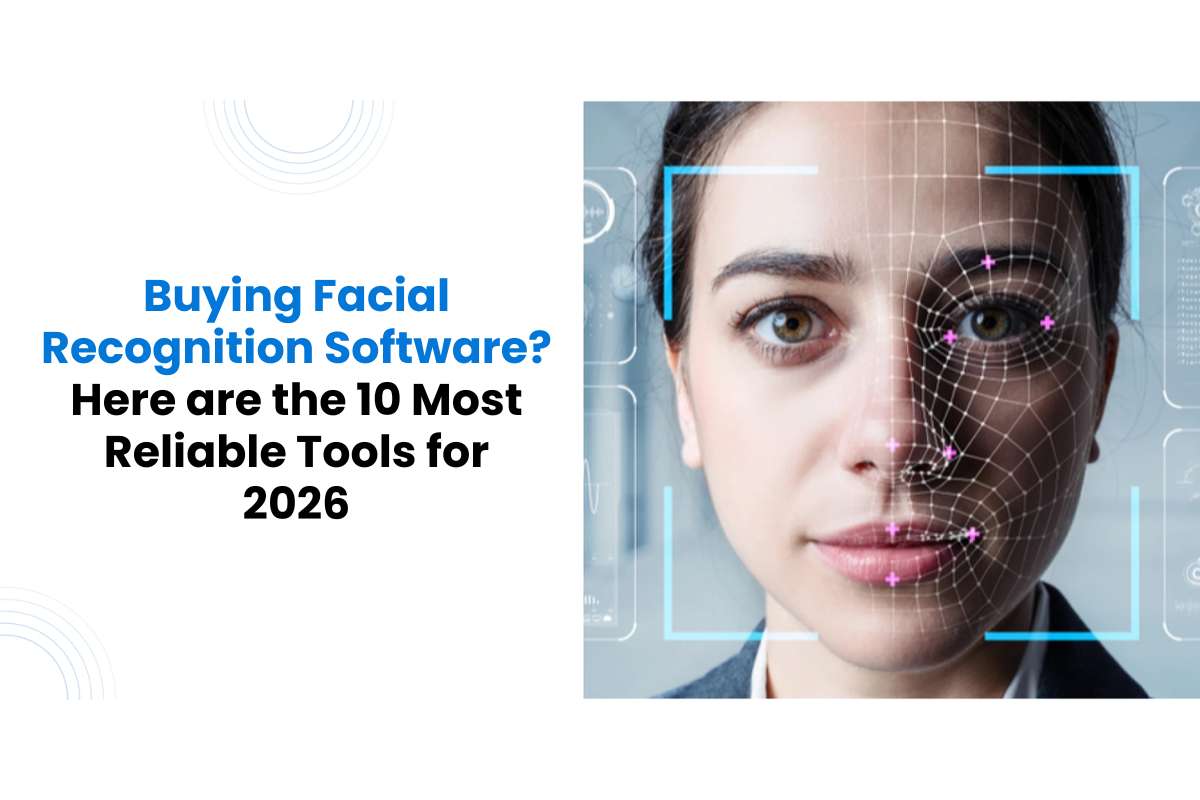
Walk into an airport, unlock your phone, or log into a banking app. In many cases, facial recognition is working in the background.
Today, facial recognition software helps many businesses run smoothly. It checks customer identity, stops fraud, and controls who can enter secure areas. Companies use it not only for safety but also to save time and improve customer service.
While many think this technology is only for big tech, 2026 market data shows that 60% of small businesses now use biometrics to replace traditional keys and password-reset costs. National Institute of Standards and Technology (NIST) tests show these systems are now 20x more accurate than they were a decade ago.
Here, we look at 10 widely used facial recognition tools trusted by businesses worldwide. But first, let’s understand what exactly a facial recognition tool is.
How Facial Recognition Software Recognizes Faces in Seconds?
A face recognition system is a biometric technology that identifies or verifies individuals using unique facial features.
Unlike passwords or ID cards, facial recognition relies on:
- Facial structure
- Distance between facial points
- Skin texture patterns
Machine learning models analyze these biometric signals to match faces against stored images.
Modern systems can:
- Verify identity
- Detect unauthorized access
- Sign in customers automatically
- Monitor environments in real time
For businesses, this means faster workflows and fewer security risks.
How Does Modern Facial Recognition Software Work?
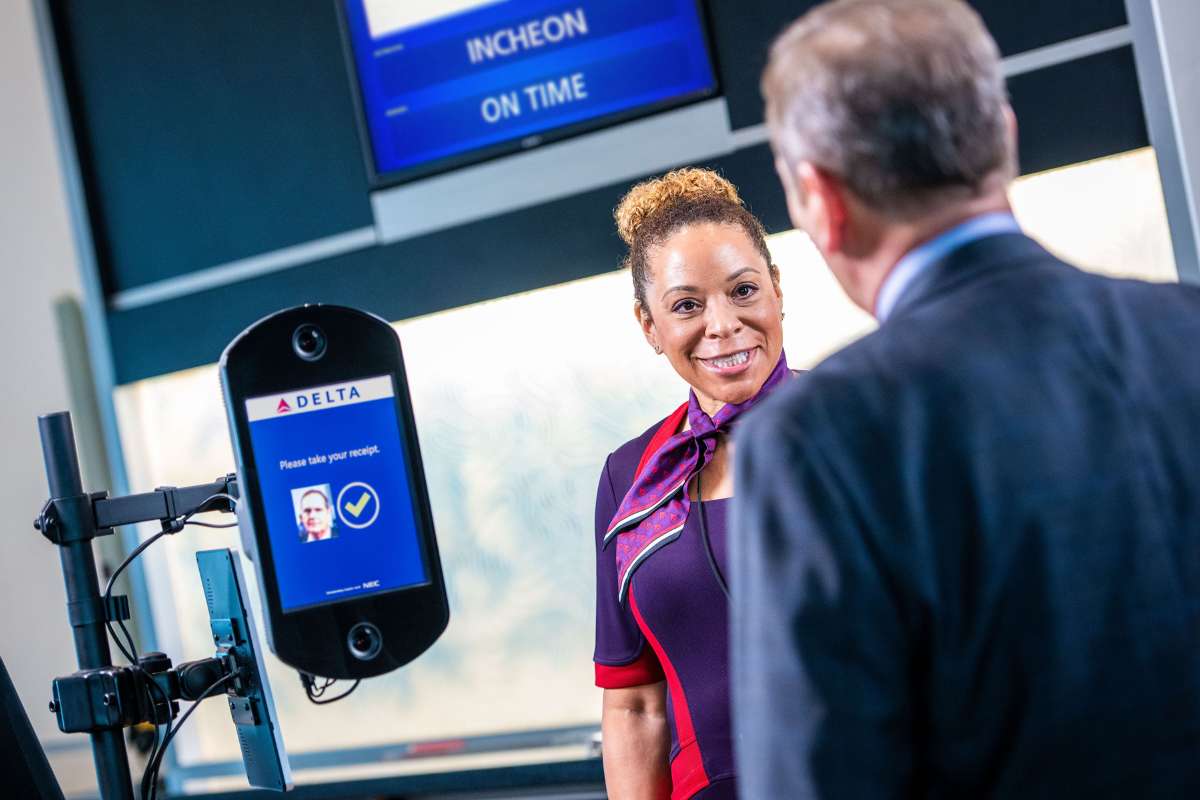
A face recognition system works by converting facial features into digital data. This data is stored and compared when a person attempts to access a system.
Most systems follow three basic steps. First, the facial software detects a face from an image or video feed. Next, it maps key facial points such as the eyes, nose, and jawline. Finally, it compares the captured data with stored records to confirm identity.
Machine learning improves this process over time. It helps the system recognize faces even when lighting conditions change or when people wear accessories such as glasses.
For businesses, this entire process happens within seconds, making identity checks both fast and reliable.
Also Read: Start Algorithm Machine Learning in 2025: Top Algorithms, Types & Trends
Types of Facial Recognition Software
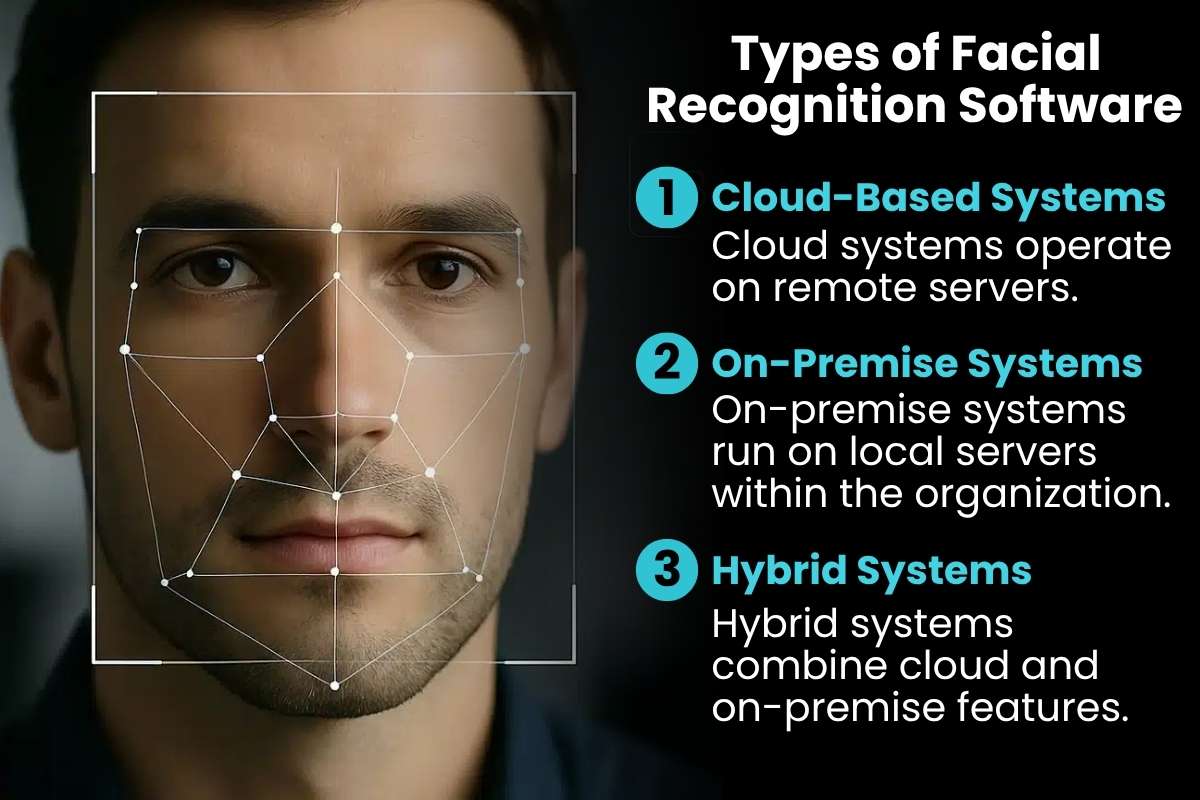
Identity recognition technology comes in different deployment formats. Each type serves different operational needs.
1. Cloud-Based Systems:
Cloud systems operate on remote servers. Businesses access them using APIs without installing local infrastructure. These systems are easy to scale and are widely used by startups and SMEs.
2. On-Premise Systems:
On-premise systems run on local servers within the organization. They provide greater control over sensitive data. This makes them suitable for high-security environments.
3. Hybrid Systems:
Hybrid systems combine cloud and on-premise features. They allow organizations to balance flexibility with data protection. Many large enterprises prefer this model for sensitive operations.
10 Widely Used Facial Recognition Software for Enterprises and SMEs
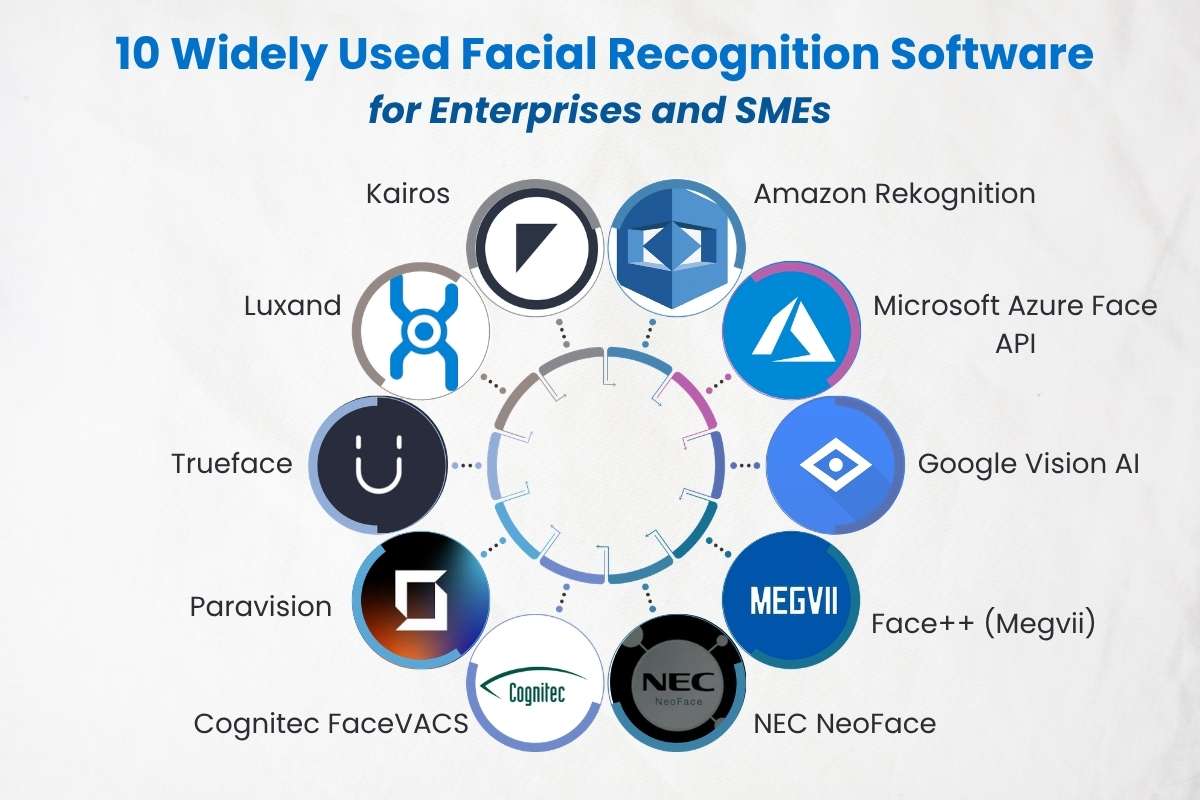
Below are some of the most commonly adopted software across industries. These tools are widely used due to:
- Scalability
- Reliability
- Integration flexibility
- Enterprise readiness
1. Amazon Rekognition
- Business Value: Amazon Rekognition is the most scalable facial recognition tool for startups. It connects with AWS in minutes. It is perfect for scanning huge photo libraries.
- Core Strengths: It is fast and easy to scale. It connects with Amazon Web Services in minutes and works well for apps that scan large photo libraries or manage online content.
- Limitation: It does not work offline. The system needs a strong internet connection, so it may not suit local security setups where Wi-Fi can fail.
- Best For: Startups and SaaS companies that already use AWS systems.
2. Microsoft Azure Face API
- Business Value: This is the industry leader for ‘Liveness Detection’ to prevent identity fraud.
- Core Strength: High security. It stops people from using a photo of a face to trick the camera.
- Limitation: Costs can be hard to predict. Pricing depends on how many times the system is used, so expenses may rise as your users grow.
- Best For: IT-driven businesses and companies that already use Microsoft tools.
3. Google Vision AI
- Business Value: Google Vision AI is the best tool for media sorting and object detection. It does more than find faces. It can also read text, spot objects, and understand what is happening in the picture.
- Core Strengths: Wide image insights. It works well when you need to sort many images by places, objects, or simple patterns.
- The Limitation: Privacy rules are stricter. It has limits on matching a face to a person’s name. This makes it better for image study than strict identity checks.
- Best For: Media teams, retail analytics groups, and marketing teams that handle large amounts of image data.
4. Face++ (Megvii)

- Business Value: This tool works well when you need to check many users at once. If you are building a payment app or a system with heavy traffic, it can handle large amounts of data. Face++ is the top choice for mobile developers needing offline performance.
- Core Strength: It offers offline SDKs. This means the software can run on a phone or local device without using the cloud.
- Limitation: The company is based in China. Some government projects in the US or Europe may have rules that limit their use.
- Best For: Fintech apps, payment platforms, and mobile-first developers.
5. NEC NeoFace
- Business Value: It is the most accurate facial recognition software for crowded, low-light areas. It can run in busy areas like crowded lobbies or dark warehouses where people keep moving.
- Core Strength: Strong accuracy in hard conditions. This software can recognize faces from blurry images.
- Limitation: Setup can be difficult and costly. It often needs special hardware and a higher upfront budget.
- Best For: High-security sites, airports, and large factories.
6. Cognitec FaceVACS
- Business Value: Cognitec is the gold standard for high-speed border control and government security. It can compare one face with millions of stored images to find a match.
- Core Strengths: Precision and Search. Many law enforcement and border teams trust it because it makes very few false matches.
- The Limitation: Older Interface. The system can feel old and more technical to set up than newer tools like Kairos.
- Best For: Security teams, investigation units, and contractors working with government projects.
7. Paravision
- Business Value: Paravision is the most ethical choice, showing the least ‘bias’ across different age groups. Tests by the National Institute of Standards and Technology show it gives balanced results.
- Core Strength: Strong developer control. It provides fast SDK tools that help your team build a custom system that your business fully owns.
- Limitation: Setup takes effort. It is not a one-click tool. You need a skilled engineering team to install and manage it.
- Best For: Tech-focused startups that want to build their own security or biometric products..
8. Trueface
- Business Value: Made for Live Video. This tool works best with live video feeds. It sends alerts right away when a VIP or blocked person enters a location. This helps teams act quickly when something important happens.
- Core Strength: Video Monitoring. It includes extra tools for video safety. For example, it can detect weapons and stop fake face attempts in camera feeds.
- Limitation: Needs Strong Hardware. To work in real time, this system often needs a powerful local computer. A simple cloud setup may not be enough for fast performance.
- Best For Real estate managers, retail security teams, and smart city projects.
9. Luxand
- Business Value: Think of this as a facial recognition software made specifically for developers. It offers small, simple libraries that you can add to a mobile or desktop app without making big changes.
- Core Strength: It allows strong customization. You can use it to add features like face unlock or avatar creation to your own software.
- Limitation: You must manage updates yourself. Since it is a toolkit, your team handles maintenance and system changes.
- Best For: App developers, small software teams, and businesses building custom applications.
10. Kairos
- Business Value: Kairos is the most affordable software for small retail shops. It helps you understand customers by showing details like age group, gender, and how long someone stays near a display.
- Core Strengths: It focuses on privacy and keeps data anonymous. The starting price is low, around $19 per month, which makes it an affordable choice for many small businesses.
- The Limitation: This system may not work as well in poor lighting. If your store or office has dim light, accuracy may drop compared to high-end systems.
- Best For: Small retail shops, healthcare clinics, and education centers.
What to Look for in Facial Recognition Software?
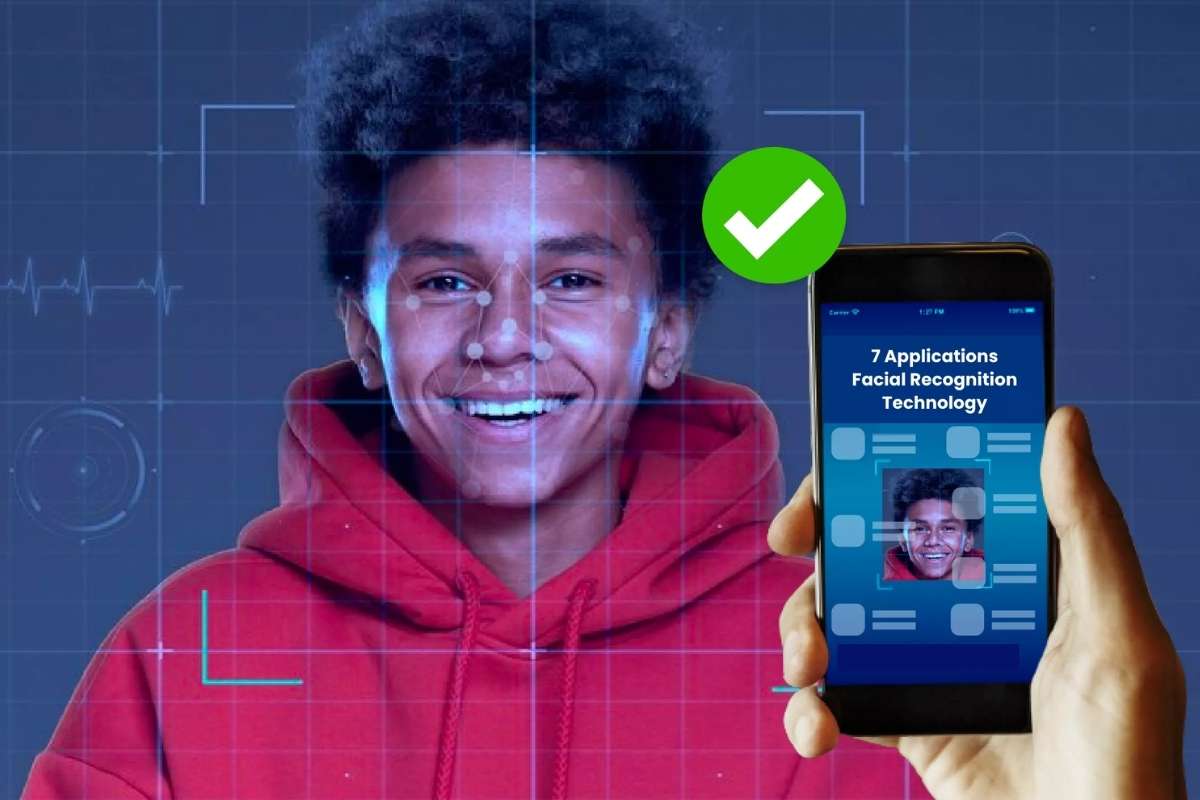
Choosing a facial recognition tool can feel confusing at first. Many platforms promise advanced features, but what matters most is how well the system works in your daily operations. Focus on tools that perform reliably in real-world conditions, not just in controlled tests.
1. Strong Accuracy
You need a system you can trust every day. High accuracy reduces false matches and prevents delays in access or verification. Look for software that performs well even in poor lighting or when faces appear at different angles.
2. Real-Time Speed
Speed matters when people are waiting. The software should detect and verify faces within seconds. Fast systems help you manage entry points, monitor areas, and avoid long queues.
3. Easy Integration
Your facial recognition software should fit into your current setup without major changes. It must connect smoothly with your databases, apps, and security devices. Simple integration saves time and reduces setup costs.
4. Room to Scale
Your business will grow, and your system should grow with it. Choose software that can handle more users and larger data volumes without slowing down. This helps you avoid replacing systems later.
5. Security and Compliance
Facial data is sensitive, so strong protection is essential. Look for platforms that securely store data and follow privacy laws such as GDPR or CCPA. This protects both your business and your customers.
Also Read: 10 Key Benefits of Biometric Authentication You Should Know
The Strategic Benefits of Facial Recognition
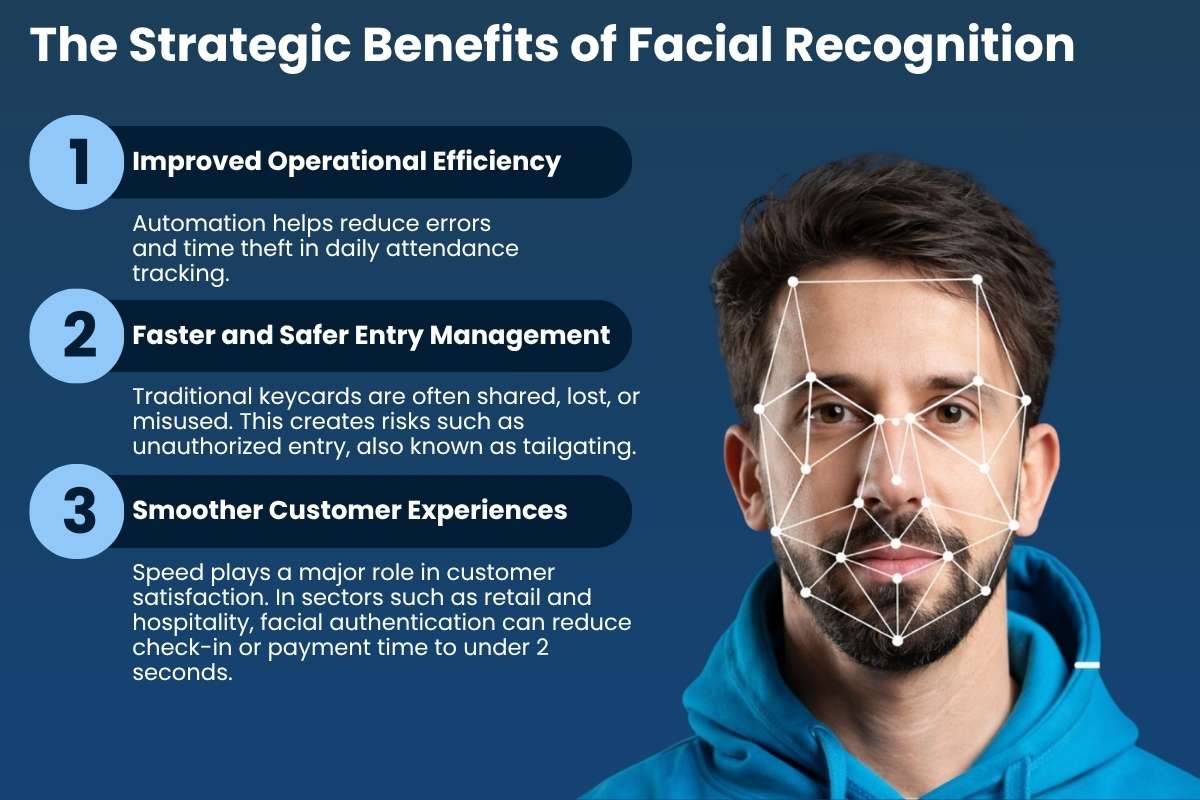
Facial recognition software does more than improve security. When used correctly, it can save time, reduce manual work, and improve daily operations. Many businesses adopt this technology not just for safety, but also for measurable productivity gains.
1. Improved Operational Efficiency
Automation helps reduce errors and time theft in daily attendance tracking. One common problem is buddy punching, where one worker clocks in for another.
Research shows that buddy punching costs employers about $1,560 per employee each year. This loss adds up fast and affects payroll and productivity.
Facial recognition software helps fix this problem by checking identity during clock-in. This makes attendance records more accurate and reduces false entries over time.
2. Faster and Safer Entry Management
Traditional keycards are often shared, lost, or misused. This creates risks such as unauthorized entry, also known as tailgating. Modern facial recognition systems can detect tailgating with over 95% accuracy and send alerts in real time.
Because the system detects faces from 3 to 10 feet away, employees can enter buildings at normal walking speed. This reduces crowding at entry points while keeping security levels high.
3. Smoother Customer Experiences
Speed plays a major role in customer satisfaction. In sectors such as retail and hospitality, facial authentication can reduce check-in or payment time to under 2 seconds.
Touchless systems have also become more popular in recent years. Many consumers now prefer contactless biometric methods over physical cards or cash because they are faster and more hygienic.
Real-World Challenges and Limitations
While facial recognition software offers clear advantages, businesses must also understand the risks and practical limits before deployment.
Data Privacy and Compliance
Facial data is considered sensitive information in many regions. Regulations such as GDPR and CCPA/CPRA require organizations to protect biometric data carefully.
Before deployment, businesses should conduct a privacy risk review and ensure that the software stores templates in encrypted form rather than raw facial images. This reduces security risks and supports compliance requirements.
Environmental Performance Limits
Lighting and camera placement can affect system accuracy. Even advanced systems with a False Non-Match Rate (FNMR) below 0.7% may struggle in poor lighting or when cameras are installed at sharp angles.
If your entry point faces direct sunlight or dim conditions, investing in High Dynamic Range (HDR) cameras can improve performance and reduce recognition errors.
Upfront and Ongoing Costs
A facial recognition system requires an initial investment. A basic cloud-based setup for a single entry point typically costs between $2,000 and $5,000.
However, ongoing costs should also be considered. Many businesses spend an additional 15-20% per year on licensing, cloud storage, and system maintenance. Planning for these costs helps avoid unexpected expenses later.
How Facial Recognition Software Compares to Other Biometric Technologies
Many businesses consider fingerprint, iris, or voice systems before making a decision. Know how facial recognition comparison can help you choose the right solution for your environment. We added accuracy scores from the National Institute of Standards and Technology (NIST) to show how well they work.
| Feature | Facial Recognition | Fingerprint | Iris Recognition |
| User Effort | Passive: Just walk by. | Active: Physical touch. | Active: Precise eye alignment. |
| Hygiene | 100% Touchless | High-touch surface. | 100% Touchless |
| Accuracy (NIST) | Very High (99.5%+) | High (98%+) | Highest (99.9%+) |
| Speed | 1-2 seconds | 3-5 seconds | 2-4 seconds |
| Primary Risk | Lighting/Angles | Scars/Dirty fingers | Expensive hardware |
Conclusion
Facial recognition software is becoming a practical tool for everyday business use. From security checks to customer access, it helps you save time, reduce errors, and improve safety.
For 2026, the best strategy is to choose a tool that balances NIST-verified accuracy with ease of use. Evaluating your options now will prevent costly changes as your business grows.
FAQ’s:
Q. Which facial recognition software is best for 2026?
For large businesses, Microsoft Azure and NEC NeoFace are best. For small businesses, Kairos offers the best value.
Q. Is this technology safe for privacy?
Yes. A high-quality facial recognition tool does not store photos of your face. Instead, it stores a mathematical ‘map’ that is encrypted and cannot be turned back into a photo.