You use the internet every day without thinking much about it. You check emails, scroll social media, maybe shop online, but most of the web is invisible. In fact, 96% of it is hidden from regular search engines. That includes private accounts, secure databases, and even secret corners known as the dark web.
It’s easy to mix up the deep web and the dark web, and you might worry about coming across something risky. It is common to question, “ What’s legal? What’s dangerous? How can I keep my data safe?”
So, to answer all your questions about the dark web vs deep web, let’s first understand each one clearly.
What is the Dark Web?
The dark web is a hidden part of the internet you can’t reach with a normal browser. It makes up only about 0.01% of the web, and you need special software to access it. Most people use the Tor Browser, powered by the Tor Project, which hides your IP and keeps your activity anonymous.
The dark web has a reputation for a reason. Hackers sell stolen data, criminals trade drugs, weapons, and sensitive information, and law enforcement monitors it closely. While Tor keeps your identity hidden, the risks are real. You can get scammed, hacked, or stumble onto illegal content if you’re not careful.
Not everything on the dark web is illegal. Journalists, researchers, and activists use it to protect privacy. But knowing the dangers is key before exploring even a tiny corner of this hidden network.
What is the Deep Web?
The deep web is the part of the internet that search engines like Google cannot index. It makes up about 90 to 96 percent of the web. It includes everyday content that requires a login or private access.
This covers your email inbox, online banking, subscription services, and company databases. You do not need special tools to access it. A normal browser and valid credentials are enough.
The deep web is not secret or illegal. It exists to protect privacy and sensitive information. In fact, most of your daily online activity happens here without you realizing it.
Dark Web vs Deep Web Differences
The deep web is mostly safe and part of daily life. While the dark web is tiny, secretive, and comes with higher risks. To make it easy to see the key differences, here’s a quick side-by-side comparison of the deep web and the dark web:
| Feature | Deep Web | Dark Web |
| Size | 90-96% of the web | <0.01% of the web |
| Access | Passwords or links | Tor browser only |
| Content | Legal (docs, databases) | Often illegal (hacks, markets) |
| Index | No Google | .onion sites |
| Users | Everyday people | Anonymity seekers |
| Risks | Low | High (malware, scams) |
How Does the Dark Web Impact Cybersecurity?
When learning about the dark web vs deep web risks, the dark web plays a much bigger role in cybercrime. It is a hotspot for cybercrime. Hackers sell stolen data here first, and that leads to attacks that hit regular users and businesses. Here’s how it works:
1. Data Breaches Start Here:
When logins and passwords are stolen, they appear on dark web marketplaces within hours. In 2025, over 15 billion credentials were traded online. Attackers can buy them for as little as $1 per account, then test them on email, bank, or shopping accounts. The result? Identity theft spikes significantly after major breaches.
2. Threat Intelligence Protects Companies:
Security teams monitor dark web forums every day. They can spot leaks of company data before hackers strike.
3. Malware and Exploit Markets:
The dark web has many tools hackers use to attack computers. Ransomware kits can sell for just $100. Exploits for new Windows bugs appear in hours. In 2025, tools from the MGM breach showed up on BreachForums right away. Businesses that don’t watch these forums can face up to three times more attacks.
Also Read: How Can You Choose the Best Dark Web Browser Today?
How People Misunderstand the Legality of the Deep and Dark Web?
Dark web vs deep web legality confuses many. You can access both in most countries, but what you do there makes the difference.
Is the Deep Web Illegal?
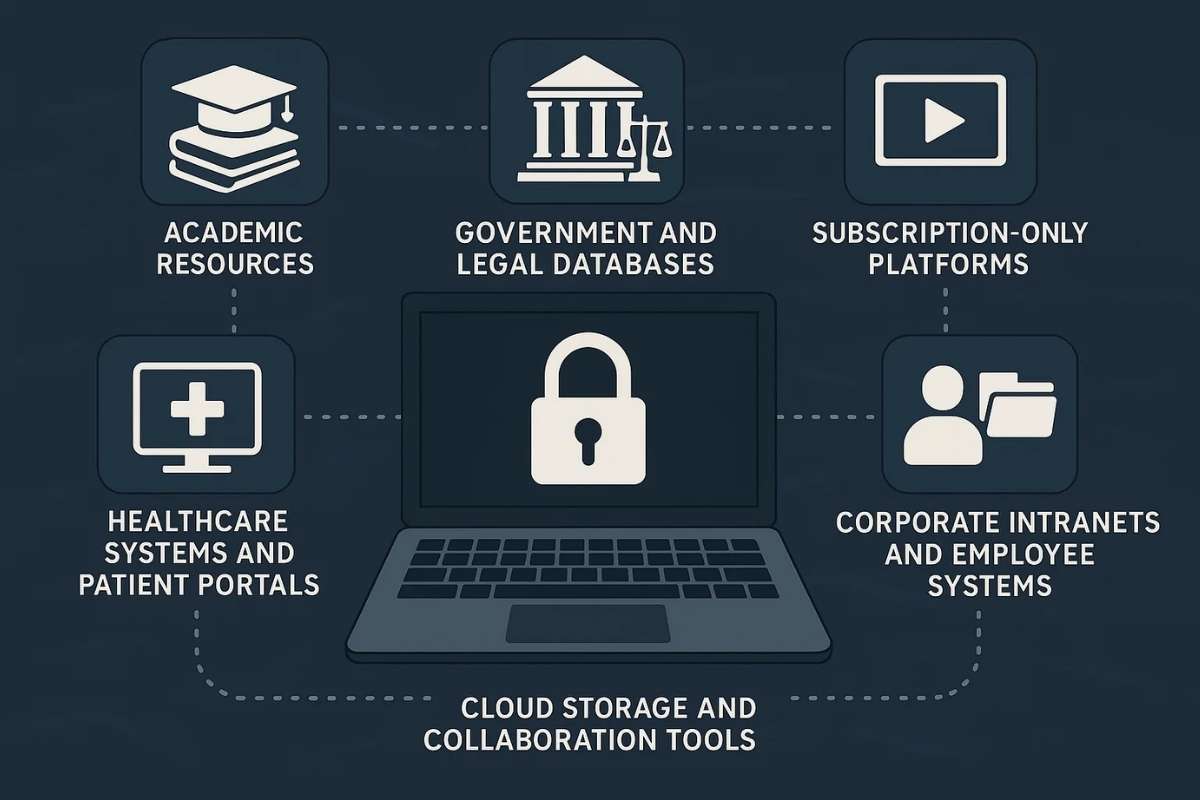
The deep web is mostly safe and fully legal. It includes sites you use every day but can’t find on Google. These sites are private for a reason. They follow privacy rules, and there’s no legal risk in using them.
Examples:
- Your Gmail after login
- Your online bank account
- Office HR portals
- Hospital patient files
Is the Dark Web Illegal?
The dark web itself isn’t illegal. It’s simply a hidden network that uses Tor to keep users anonymous. Browsing it is generally legal, but your actions still have to follow the law.
Engaging in or attempting illegal activities on the dark web can land you in serious trouble, such as:
- Attempting to buy illegal drugs or weapons through anonymous marketplaces
- Trading or purchasing stolen financial data
- Trying to hire hackers or engage in cybercrime services
For example, the FBI shut down AlphaBay in 2017, which had over $1 billion in illegal trades.
Even today, criminals run about 30% of dark web sites. Law enforcement monitors it constantly, so stay on the right side of the law.
How Organizations Monitor the Dark Web?
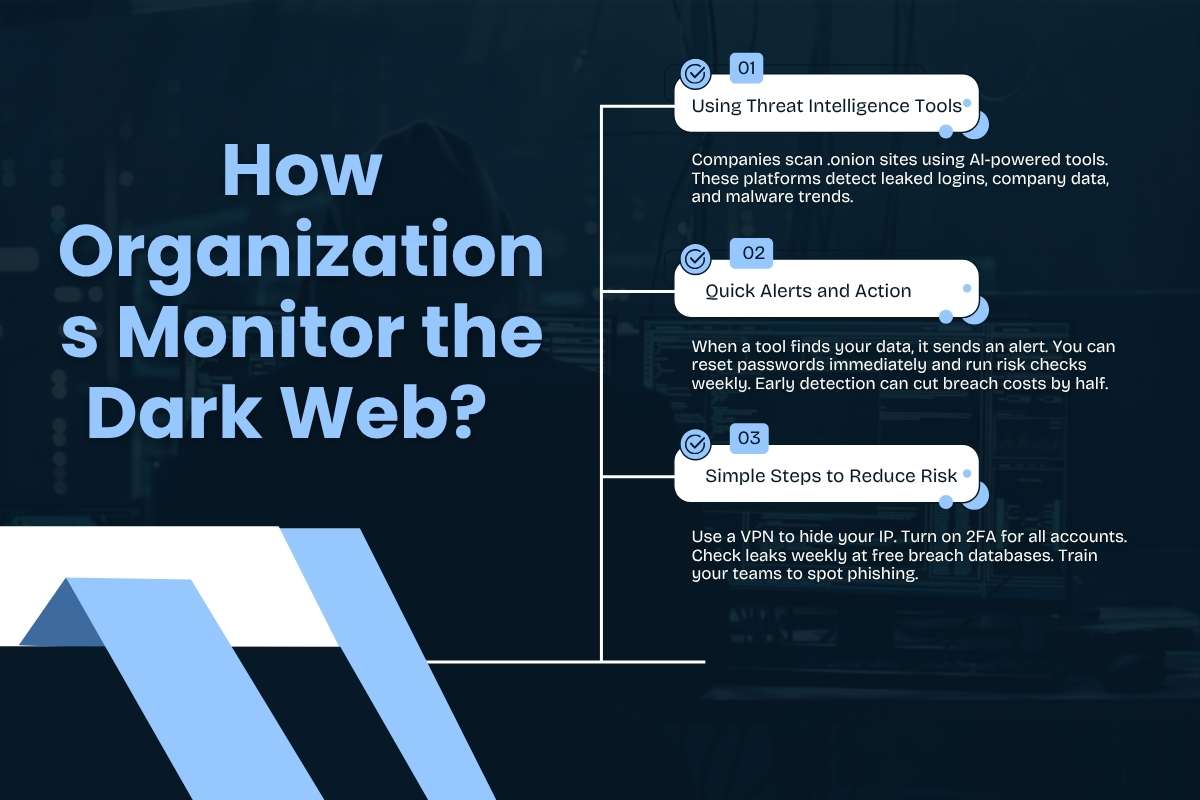
Businesses and people track dark web vs deep web leaks to stop attacks fast. Spotting these quickly can save money and prevent attacks.
- Using Threat Intelligence Tools: Companies scan .onion sites using AI-powered tools. These platforms detect leaked logins, company data, and malware trends.
- Quick Alerts and Action: When a tool finds your data, it sends an alert. You can reset passwords immediately and run risk checks weekly. Early detection can cut breach costs by half.
- Simple Steps to Reduce Risk: Use a VPN to hide your IP. Turn on 2FA for all accounts. Check leaks weekly at free breach databases. Train your teams to spot phishing.
Monitoring the dark web doesn’t stop hackers completely, but it gives you a head start. The sooner you spot a leak, the faster you can act and limit damage.
Safety Tips for Individuals and Businesses
In any discussion around dark web vs deep web security, prevention matters more than recovery. Both individuals and companies are targets, and simple steps can block most attacks before they start.
Safety Tips for Individuals:
- Use strong, unique passwords for every account
- Avoid reusing credentials, as leaked passwords often appear on dark web marketplaces.
- Turn on two-factor authentication (2FA) for email, banking, and social media.
- Do not click on unknown links in emails or messages, as phishing is a common attack method.
- Check your email regularly on breach detection platforms like Have I Been Pwned.
- Change your passwords immediately if your data is found in a breach.
Safety Tips for Businesses:
- Companies face higher risks in the dark web vs deep web, as attackers target employee credentials and system vulnerabilities.
- Run regular dark web scans to detect leaked data early.
- Train employees to identify phishing attempts and suspicious downloads.
- Limit access to sensitive systems using role-based controls.
- Monitor user activity to catch unusual behavior quickly.
- Act fast on compromised accounts, as a single login can expose entire networks.
Also Read: Solutions for Cybersecurity and a Complete Framework to Protect Your Business in 2026
Build a Basic Security Routine
Use a VPN when accessing public Wi-Fi to prevent data interception. Keep software and systems updated to avoid known exploits. Back up critical data weekly to reduce damage from ransomware attacks. Monitoring tools combined with quick action can reduce breach costs by up to 50 percent.
Staying safe is not about avoiding the internet. It is about understanding where risks exist in the dark web vs deep web and acting before attackers do.
Best Browsers for Accessing the Dark Web vs Deep Web
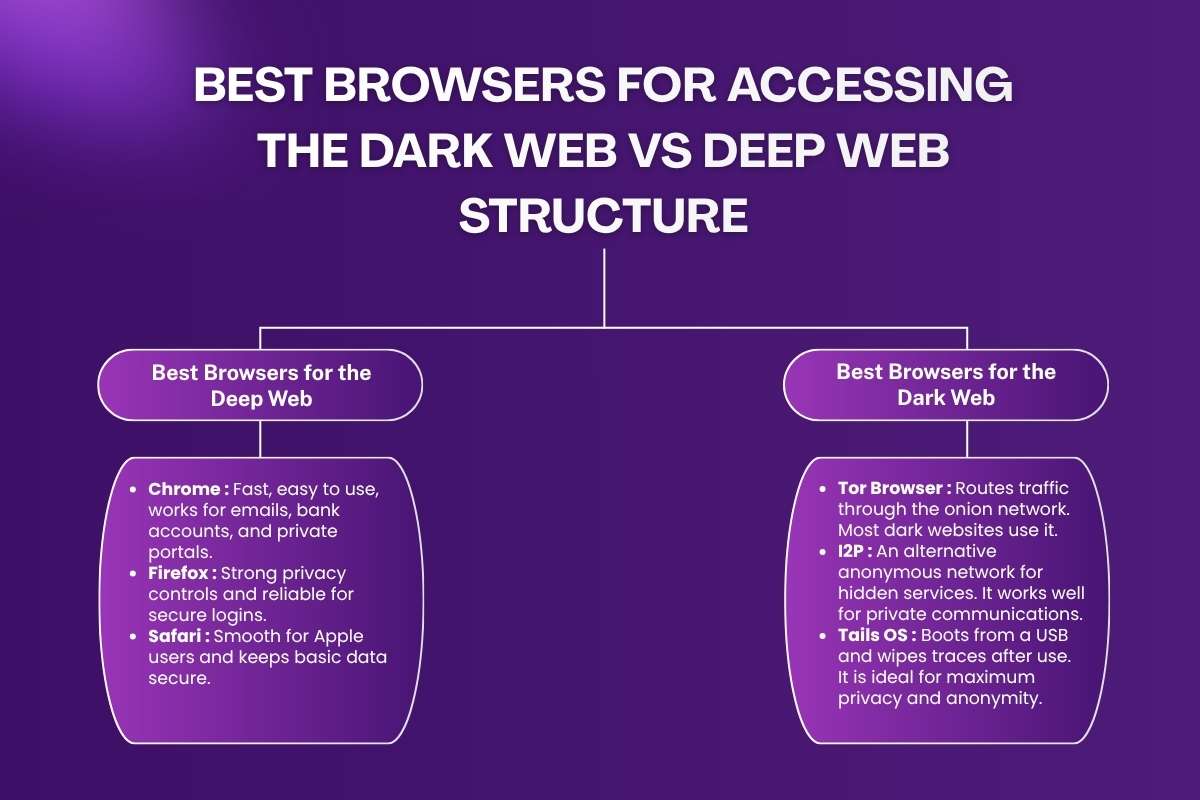
Using the deep web and dark web safely starts with the right tools. Picking the right browser and pairing it with monitoring helps you avoid risks. Monitoring also helps catch leaks and prevent attacks.
1. Best Browsers for the Deep Web
The deep web is mostly legal and safe. So you don’t need special software to access it. Any modern browser works:
- Chrome: Fast, easy to use, works for emails, bank accounts, and private portals.
- Firefox: Strong privacy controls and reliable for secure logins.
- Safari: Smooth for Apple users and keeps basic data secure.
2. Best Browsers for the Dark Web
The dark web hides sites and requires special browsers to protect your identity. Always combine them with a VPN for extra safety:
- Tor Browser: Routes traffic through the onion network. Most dark websites use it.
- I2P: An alternative anonymous network for hidden services. It works well for private communications.
- Tails OS: Boots from a USB and wipes traces after use. It is ideal for maximum privacy and anonymity.
Note: Accessing the dark web always carries risk. Don’t browse illegal sites. Your anonymity is not absolute.
Monitoring is just as important as safe browsing. Companies scan .onion sites with AI to spot stolen credentials and leaked data. Combining safe browsing with monitoring can cut breach costs by up to 50% and give you a head start before hackers strike.
Also Read: Demystifying the Dark Web: A Comprehensive Analysis and Guide
Conclusion
The deep web and the dark web are often misunderstood. In the dark web vs deep web comparison, the deep web is mostly safe and part of daily life. The deep web is simply unindexed content, like emails and private accounts. The dark web is a hidden, anonymous network accessible through special tools. It has both legitimate and illegal content.
Understanding these parts of the internet helps you protect your data and reduce security risk. You should use good security habits to stay safe online.
The internet has layers, but your knowledge is your greatest defense.