What is jailbreaking? The question often arises when people hear about unlocking the hidden side of their devices. At its core, it’s the process of removing the software restrictions placed on devices like smartphones and tablets. These restrictions are designed to keep users within a controlled ecosystem, but jailbreaking opens the door to deeper customization, hidden features, and apps you normally can’t access.
For some people, it’s about creative control and pushing their device to do more than the manufacturer intended. For others, it’s a way to explore the technical side of their gadgets and understand how they really work. But with that freedom comes responsibility, since bypassing restrictions can affect security, performance, and warranty protection.
In this guide, you’ll learn what jailbreaking is, why people do it, and what you should know before considering it yourself.
What is Jailbreaking?
Many people ask what is jailbreaking when they hear about modified phones or tablets. Jailbreaking means removing built-in software limits from a device. These limits control what apps you install and what system files you access. People Jailbreak devices to gain more control, add custom features, or install apps that are not approved by official stores. Some users also enjoy experimenting with new themes, tools, and deeper settings that stay hidden in normal devices.
People often try Jailbreaking because they want more freedom. They feel locked by the default operating system. They may want advanced file access, stronger personalization, or special tweaks. Some users also enjoy running older apps that were removed by stores. Others want to sideload apps from outside sources.
To understand what is jailbreaking, you also need to see how it works. Jailbreaking uses software tools that exploit system weaknesses. These tools break open protected areas of the operating system. Once the system breaks open, the user can install custom files and package managers. The process changes depending on the device and the method.
How Jailbreaking Works Step by Step?
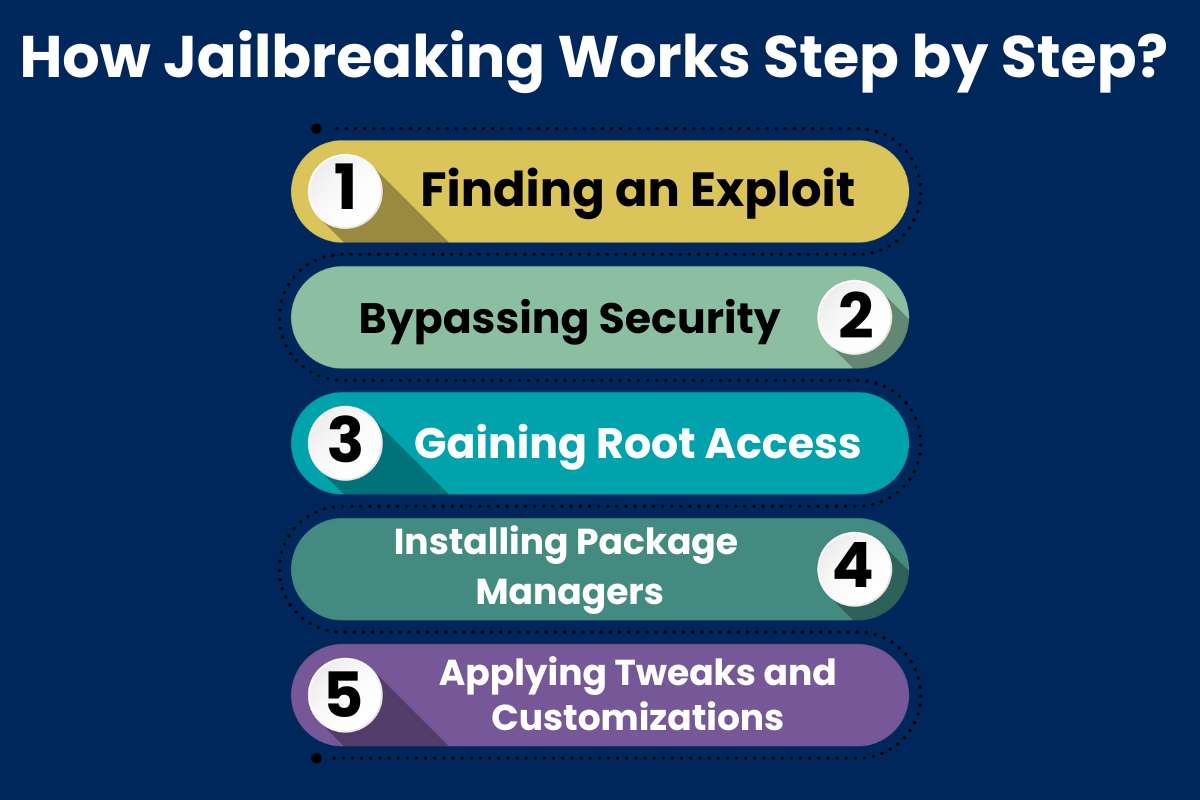
Step 1: Finding an Exploit
Jailbreaking tools look for weak spots in the operating system. These weak spots allow code to run with more power than usual. The exploit starts the entire process. Users simply run a tool, but the tool itself does complex work behind the scenes.
Step 2: Bypassing Security
The tool bypasses the security layers that protect system files. It forces the system to accept new commands. This step often needs precise timing and careful coding. Once the defense drops, deeper files become open for changes.
Step 3: Gaining Root Access
Root access allows a person to control system functions. It gives full access to files and settings. After this step, the device works with fewer limits. The user can modify settings that were restricted before.
Step 4: Installing Package Managers
Tools like Cydia or Sileo act as app stores for jailbroken devices. They supply themes, tweaks, and custom utilities. Users can now add features that do not exist in official systems. This makes the Jailbreak feel complete.
Step 5: Applying Tweaks and Customizations
After Jailbreaking, users personalize the device. They change icons, run new apps, and adjust system behavior. These changes show why people enjoy the process. The device becomes unique and more flexible.
What are the Types of Jailbreaking?
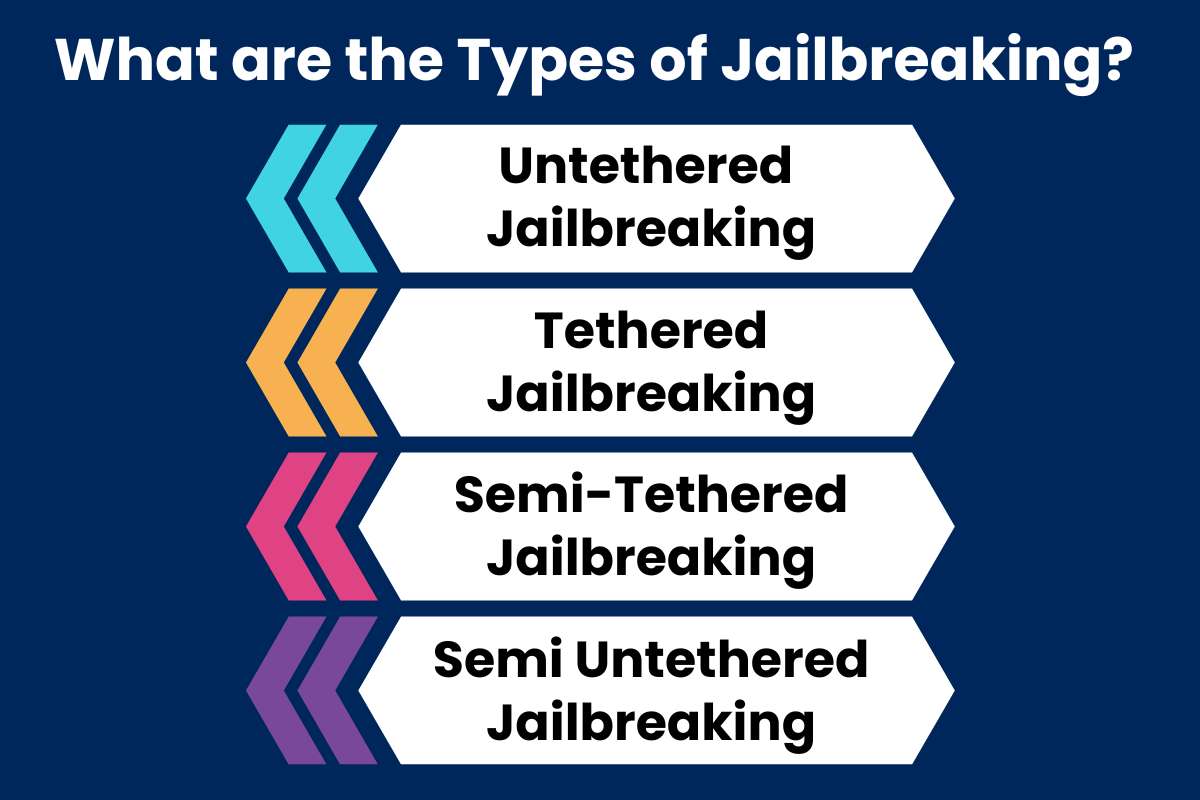
When people search “What is Jailbreaking?” they often want to know the different forms it takes. Each type has a different level of risk and control. Some types need a computer. Others run directly on the device.
1. Untethered Jailbreaking: An untethered Jailbreak works even after a reboot. The device stays modified at all times. Users prefer this because it is stable. It also does not need extra steps after restarting.
2. Tethered Jailbreaking: A tethered Jailbreak needs a computer every time the device restarts. If you reboot without a computer, the device may fail to start. This method is less convenient for daily use. It is mostly used by developers and testers.
3. Semi-Tethered Jailbreaking: A semi-tethered Jailbreak lets the device reboot, but it loses some functions. Users must run the tool again to restore full features. This method offers more freedom than a tethered Jailbreak. It also reduces some of the hassle of full resets.
4. Semi Untethered Jailbreaking: This option works after a reboot but needs the user to run an app on the device. It does not require a computer. It is popular for many modern Jailbreak tools. It provides a good mix of safety and control.
Also Read: How Cybersecurity Firms Strengthen Critical Infrastructure Against Digital Threats?
How to Detect Jailbreaking?
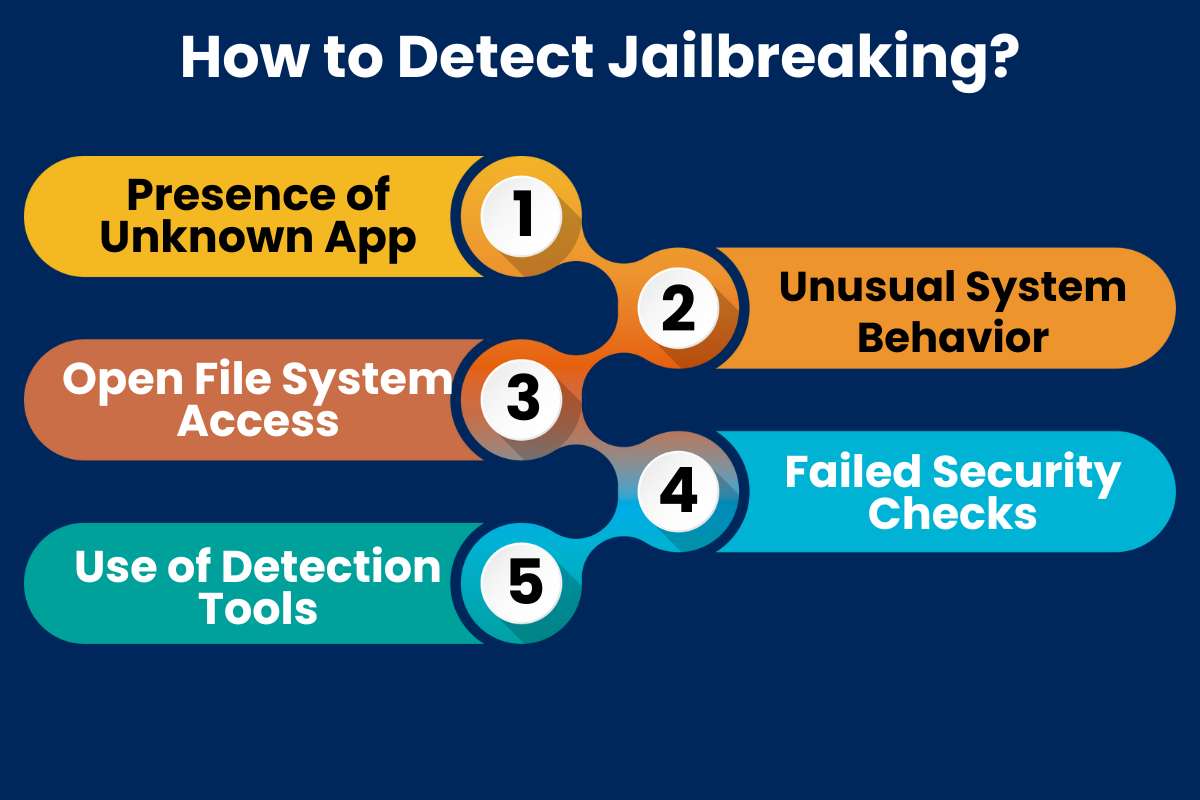
Many people learning what jailbreaking is also want to detect it. This is common for parents, IT teams, and security researchers. A jailbroken device often shows clear signs, both small and large.
- Presence of Unknown Apps: Tools like Cydia or Sileo should not appear on a normal device. Their presence signals a Jailbreak. Even hidden versions can be detected through scanning tools.
- Unusual System Behavior: A device may crash more often after Jailbreaking. System updates might fail. Battery life may drop faster. These signs can appear due to unstable tweaks.
- Open File System Access: Jailbroken devices allow deeper file browsing. If the device shows access to root folders, it may be modified. Many mobile device management systems use this clue.
- Failed Security Checks: Banking apps and secure apps run Jailbreak detection checks. If they refuse to open, the device may be Jailbroken. Developers use these checks to protect user data.
- Use of Detection Tools: Security tools can run system scans. They check for modified libraries or changed permissions. These tools help confirm Jailbreaking when the signs are unclear.
Advantages and Disadvantages of Jailbreaking
When learning about jailbreaking, it is helpful to compare the benefits and risks. This table explains both sides clearly.
| Advantages | Description | Disadvantages | Description |
| Full Customization | Users can change themes, icons, and layouts. | Security Risks | Weak security layers make attacks easier. |
| Access to Unapproved Apps | You can install apps outside official stores. | Void Warranty | Device makers may deny support. |
| Deeper System Control | Full access lets you tweak hidden settings. | Instability | Tweaks can crash apps or the system. |
| Better File Management | Users can access and manage root folders. | Update Problems | Official updates may break the device. |
| Improved Device Features | Many tweaks add new functions. | Exposure to Malware | Apps from unknown sources can be harmful. |
What is Jailbreaking vs Rooting?
People often compare jailbreaking with rooting because both break system limits. Jailbreaking is common in iPhones. Rooting is a similar idea for Android devices. Both give extra control, yet they differ in how they work.
| Jailbreaking | Feature | Rooting |
| Mostly iOS devices | Platform | Mostly Android devices |
| Remove Apple restrictions and install custom tweaks | Purpose | Gain full root access and control of system files |
| Cydia, Sileo, Checkra1n, Unc0ver | Tools Used | Magisk, SuperSU, custom recovery tools |
| Can weaken iOS protections | Security Impact | Can weaken Android protections |
| Updates may break the Jailbreak | Update Impact | Updates may remove root access |
| Allows sideloading and tweaking apps | App Installation | Allows custom ROMs and system-level apps |
| Often easier with automated tools | Difficulty Level | May require more manual steps |
Real World Case Study: Jailbreaking and Security Risks

Understanding the answer to the question: What is jailbreaking? is easier when we look at real cases. One well-known example involves the 2010 iPhone Jailbreak exploit documented by the United States Computer Emergency Readiness Team (US-CERT). The organization warned users about a major security flaw that allowed attackers to run harmful code on iPhones that visited a certain website. This flaw became widely known because jailbreak tools relied on the same weakness. Their report showed that the same exploit that helped users customize phones could also expose them to attacks.
Researchers found that Jailbreaking opened pathways for malware. For example, the Ikee worm targeted jailbroken iPhones that used default settings. It spread through unsecured services running on modified devices. This case demonstrated how fast threats could grow once the system became open. It also showed why users must understand risks before they decide to Jailbreak.
The US CERT report remains an important source because it explains the danger with verified evidence. The case shows that a tool meant for customization can also produce real security issues. It also proves that jailbreaking affects not only user choice but also system safety.
Also Read: The Ultimate List of the Best Cybersecurity Associations
Conclusion:
Hopefully, this article answered many questions of people who want to learn what is jailbreaking and whether it is right for them. The process can unlock new features and offer more freedom, yet it also brings clear risks. Security gaps, unstable performance, and loss of warranty are all possible outcomes. A careful review of the pros and cons helps users make a smart and informed decision before they modify any device.
FAQs
1. What is jailbreaking in simple terms?
Jailbreaking means removing the restrictions placed by the device manufacturer. It lets users install apps and features that are not allowed on the standard system.
2. Can you reverse a jailbreak?
Yes. Restoring the device to factory settings usually removes the jailbreak. This process deletes all data, so backups are important.
3. How can I tell if a device is jailbroken?
A jailbroken device may show unusual apps, settings, or file managers. Security tools and built-in diagnostics can also detect jailbreak status.