Staying safe in the digital space is no less than a sport. Every day, you feel the quiet pressure of protecting your data while the rules of the game change constantly. You need to realize this, though; instead of reacting to every alarm, you need to see what is coming. A threat intelligence platform acts like a telescope for your digital horizon, spotting risks while they are miles away.
Knowing a danger exists is only half the battle. You deserve a clear view that turns overwhelming data into a roadmap for action. Using a threat intelligence platform (TIP) helps you stop guessing and start leading. It transforms chaos and confusion into quiet and certainty.
The Practical Meaning of a Threat Intelligence Platform for Security Teams

Now, there is no official definition of TIP itself; while organizations like NIST define threat intelligence, they do not characterize the platform. But to summarize, a threat intelligence platform (TIP) collects, analyzes, and contextualizes cyber threat data from various sources to enhance proactive security measures.
These platforms help organizations identify relevant threats, prioritize responses, and integrate intelligence into security tools such as SIEMs and firewalls. They are essential for modern cybersecurity, especially amid the rising sophistication of attacks tracked in 2026 reports.
ISO and related guidance describe an advanced TIP as a tool that automates threat investigation and delivers actionable intelligence for cybersecurity decision-making.
Core Capabilities That Define an Effective TIP
Now let’s talk about the key features of a TIP. A threat intelligence platform essentially serves as the central brain for your security operations. It pulls together messy, scattered data from all over the web and turns it into a clear, organized picture you can actually use. So, when you choose one, this is what you should look for in a TIP:
1. Unified Data Collection
The platform automatically gathers information from various places, like public security blogs, private industry groups, and even the dark web. It handles checking of these sources, so you don’t have to do it manually.
2. Automatic Filtering and Cleaning

Raw data is often repetitive or irrelevant. The platform normalizes this information, meaning it translates different data formats into one common language and removes duplicates. It ensures your team is only looking at unique, high-quality information.
3. Smart Risk Scoring
Not every red flag is a true emergency. A TIP looks at your specific business and assigns a “score” to each threat. It helps you ignore the noise and focus your energy on the risks that actually have the power to hurt your organization.
4. Real-Time Enrichment

The platform adds “context” to a simple alert. For example, instead of just seeing a suspicious IP address, you’ll see who owns it, what kind of attacks they usually perform, and which other companies they have targeted recently.
5. Seamless Tool Integration
A TIP doesn’t just sit in a corner; it talks to your other security tools. It can automatically send “blocking” instructions to your firewall or update your antivirus software the moment a new threat is confirmed.
Also Read: The Single Security Solution You’ve Never Heard of: Why Unified Threat Management is a Game-Changer?
The Three Main Types of Threat Intelligence Security Platform Explained
Now, let’s talk about types of threat intelligence platforms. There are three types of TIPs. Here’s a crisp table explaining the types and their use:
| Platform Category | Platform | Core Focus | Best For |
|---|---|---|---|
| Open-Source Platforms | MISP | Sharing and storing technical indicators across a large community | Teams focused on IOC sharing and collaboration |
| OpenCTI | Visualizing relationships between threats, actors, and tools | Analysts who need big-picture threat context | |
| YETI | Lightweight organization and fast searching of threat data | Incident responders need simplicity and speed | |
| Commercial (Enterprise) Platforms | Recorded Future | Web-wide intelligence with real-time risk scoring | Organizations needing broad, external threat visibility |
| Anomali ThreatStream | Aggregation and normalization of hundreds of data feeds | Large enterprises handling high intel volume | |
| ThreatConnect | Workflow-driven threat response and tracking | Teams focused on operationalizing intelligence | |
| Integrated (Native) Platforms | CrowdStrike Falcon Intelligence | Native attacker insight tied to endpoint activity | Existing CrowdStrike customers |
| Microsoft Defender Threat Intelligence | Deep integration across the Microsoft security stack | Microsoft-centric enterprises | |
| Palo Alto Cortex XSOAR | Threat intelligence combined with automated response | Security teams prioritizing automation |
5 Threat Intelligence Platforms Security Leaders Rely on in 2025–26
The global threat intelligence market size accounted for USD 16.80 billion in 2025. It is predicted to increase from USD 22.11 billion in 2026 to approximately USD 57.90 billion by 2034, expanding at a CAGR of 14.74% from 2025 to 2034.
There are many TIPs available today, but according to research and market analysis, these five TIPs top the industry as of 2025-26. So, here’s who they are:
1. Recorded Future (US)
Recorded Future is often known as the “Google of security.” Its standout feature is the Intelligence Graph, which automatically scans the entire internet, from news sites and social media to the dark web, to map out connections between attackers and their targets. In 2026, they have moved toward “Autonomous Threat Operations,” which uses high-level automation to help teams predict threats before they happen.
2. FireEye (US)
Now a core part of Google Cloud, Mandiant (formerly FireEye) is famous for being the first responders of the digital world. Their platform is built on front-line intelligence. Because their teams are often the ones called in to fix major global hacks, the data in their platform comes from real-world battle experience. It is the go-to for understanding the “who” and “why” behind sophisticated state-sponsored attacks.
3. CrowdStrike (US)
CrowdStrike focuses on speed and integration. They are best known for their lightweight agent, a tiny piece of software that sits on your company’s laptops and servers. Their threat intelligence platform, Falcon Intelligence, is unique because it blends threat data directly into your hardware protection. If a new threat is spotted anywhere in their global network, your devices are updated to block it almost instantly.
4. ThreatConnect (US)
ThreatConnect is the project manager of threat intelligence. While others focus on finding data, ThreatConnect focuses on operationalizing it. It is designed to help different teams (like the people fixing bugs and the people responding to hacks) work together in one place. It includes “Playbooks” that allow you to build automated workflows, making it a favorite for organizations that want to turn data into a repeatable process.
5. Anomali (US)
Anomali’s flagship product, ThreatStream, is built for scale and curation. It is designed to take in massive amounts of raw data from hundreds of different sources and clean it up. It specializes in confidence scoring, which means it tells you exactly how much you should trust a specific piece of information. It helps large security teams cut through the noise and avoid chasing false alarms.
5 Key Use Cases That Show the Business Value of a Threat Intelligence Platform
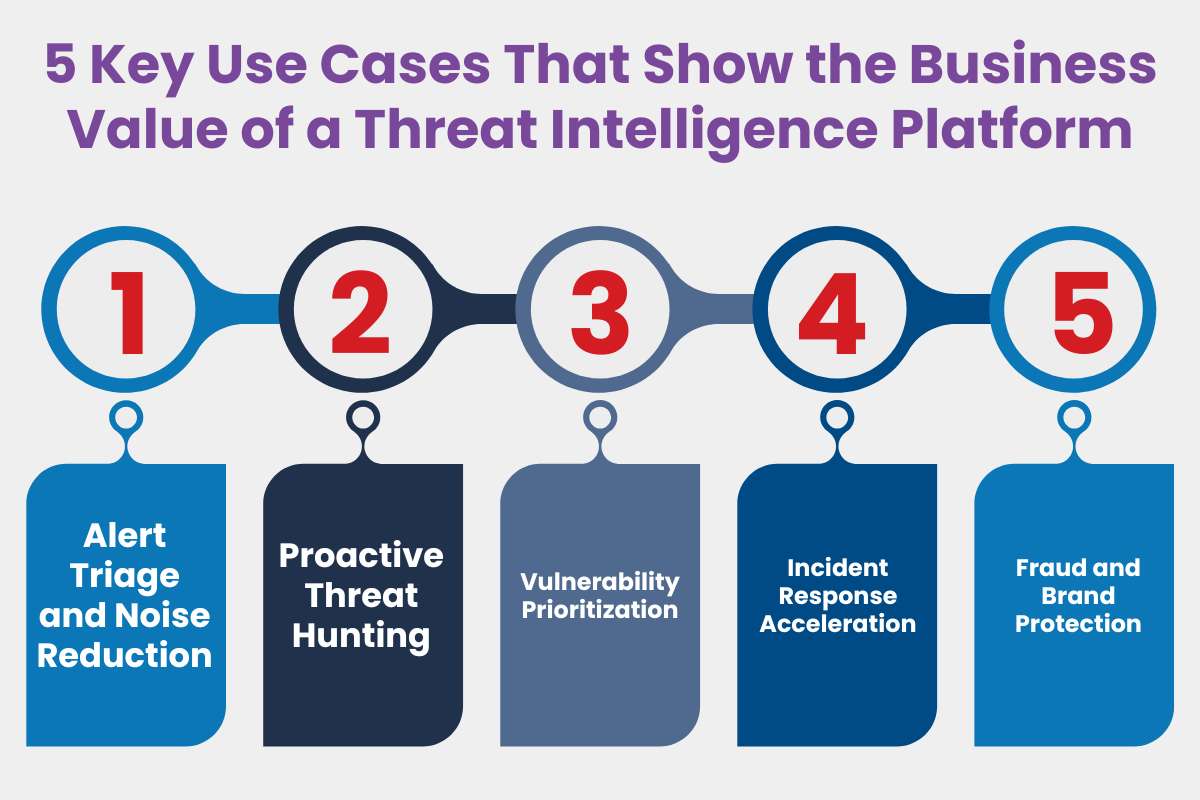
Now every TIP has a use. It is designed to manage, survey, and collect data to protect you from digital harms. Here are five primary use cases of TIP:
1. Alert Triage and Noise Reduction
Security teams are often buried under thousands of alerts from their firewalls and monitors. A TIP automatically cross-references these alerts against global databases. If an alarm goes off, the TIP can instantly tell you if it’s a known false alarm or a confirmed high-risk attacker, allowing you to ignore the “noise” and focus on what matters.
2. Proactive Threat Hunting
Instead of waiting for an alarm to sound, teams use a TIP to go looking for trouble. If a new type of malware is reported in your industry, the TIP can scan your historical logs to see if that specific digital “fingerprint” has ever appeared in your network. This helps you find and remove silent intruders before they cause damage.
3. Vulnerability Prioritization
Every company has hundreds of software bugs (vulnerabilities) that need patching, but you can’t fix them all at once. A TIP identifies which vulnerabilities hackers use. It allows you to fix the most dangerous holes first, rather than just following a generic list of software updates.
4. Incident Response Acceleration
When a breach happens, every second counts. A threat intelligence platform provides immediate context: it identifies who is attacking, what their typical playbook looks like, and how they usually try to steal data. This roadmap allows your response team to move faster and shut down the attack more effectively.
5. Fraud and Brand Protection
A TIP often monitors the corners of the internet where stolen data is sold. It can alert you if your company’s employee credentials, customer credit cards, or leaked internal documents appear on dark web forums. It gives you a chance to reset passwords or warn customers before the stolen data is used against them.
Also Read: Indicators of Compromise Explained: How to Detect and Prevent Cyber Attacks
Conclusion:
To conclude, you need to understand that the right threat intelligence platform marks the difference between constant worry and calm control. You no longer have to chase every shadow or guess where the next risk might hide. Instead, you gain a clear view of the digital space that keeps your team safe and focused.
Your journey toward a safer future starts with the tools you trust today. A reliable threat intelligence platform simplifies your work. But more than that, it protects the people behind the data.
FAQs
1. How does TIP improve my daily security?
It turns a messy flood of alerts into a clear list of priorities. Instead of guessing which problem to fix first, the platform tells you exactly what matters. You save time and focus your energy on the most dangerous risks.
2. Is TIP hard to set up and use?
Modern platforms are designed for ease of use and quick setup. Many connect directly to your existing tools with just a few clicks. This automation ensures you get helpful insights immediately without needing to be a coding expert.
3. Do small businesses really need a TIP?
Yes, because hackers target companies of all sizes. A threat intelligence platform handles the heavy lifting of sorting through data. This gives smaller teams the same high-level protection as large corporations without needing dozens of extra security staff.